11 best no-code AI agent builders in 2026

A no-code AI agent builder lets you create AI agents through a visual interface without writing code. Teams use them to automate work like sales follow-ups, support triage, research, and reporting without needing an engineer for every workflow.
Here are 11 no-code and low-code AI agent builders compared by use case, learning curve, and price:
|
Platform |
Best for |
Learning curve |
Pricing |
|
Lindy |
Automating daily tasks through plain-English prompts |
Very low; easiest on this list |
7-day trial, paid from $49.99/month |
|
Dust |
Agents that answer from your company’s own data |
Low |
Free tier, paid from $30/user/month |
|
MindStudio |
Building agents you can sell |
Low |
Free tier, paid from $20/month + usage |
|
Zapier |
Adding agents to an existing Zapier setup |
Low |
Free tier, Agents add-on ~$20/month |
|
Chatfuel |
Instagram, WhatsApp, and Messenger sales bots |
Low |
7-day trial, AI Pro from $49/month |
|
Voiceflow |
Designing chat and voice experiences |
Moderate; some API familiarity helps |
Free tier, paid plans available (request pricing) |
|
Botpress |
Chat agents with developer control and zero-markup LLM billing |
Moderate; developer experience helps |
Free tier, paid from ~$150/month |
|
Relevance AI |
Teams of agents that handle sales and marketing together |
Moderate; workflow design experience helps |
Free tier, paid from $19/month |
|
Gumloop |
AI workflows with audit logs and compliance controls |
Moderate; API and data familiarity helps |
Free tier, Pro from $37/month |
|
n8n |
Full control with self-hosting and custom code |
Steep; developer recommended |
Free self-hosted, cloud from ~$24/month |
|
Langflow |
Developer prototyping for LLM apps |
Steep; developer required |
Free open-source, managed hosting from ~$16/month |
1. Lindy
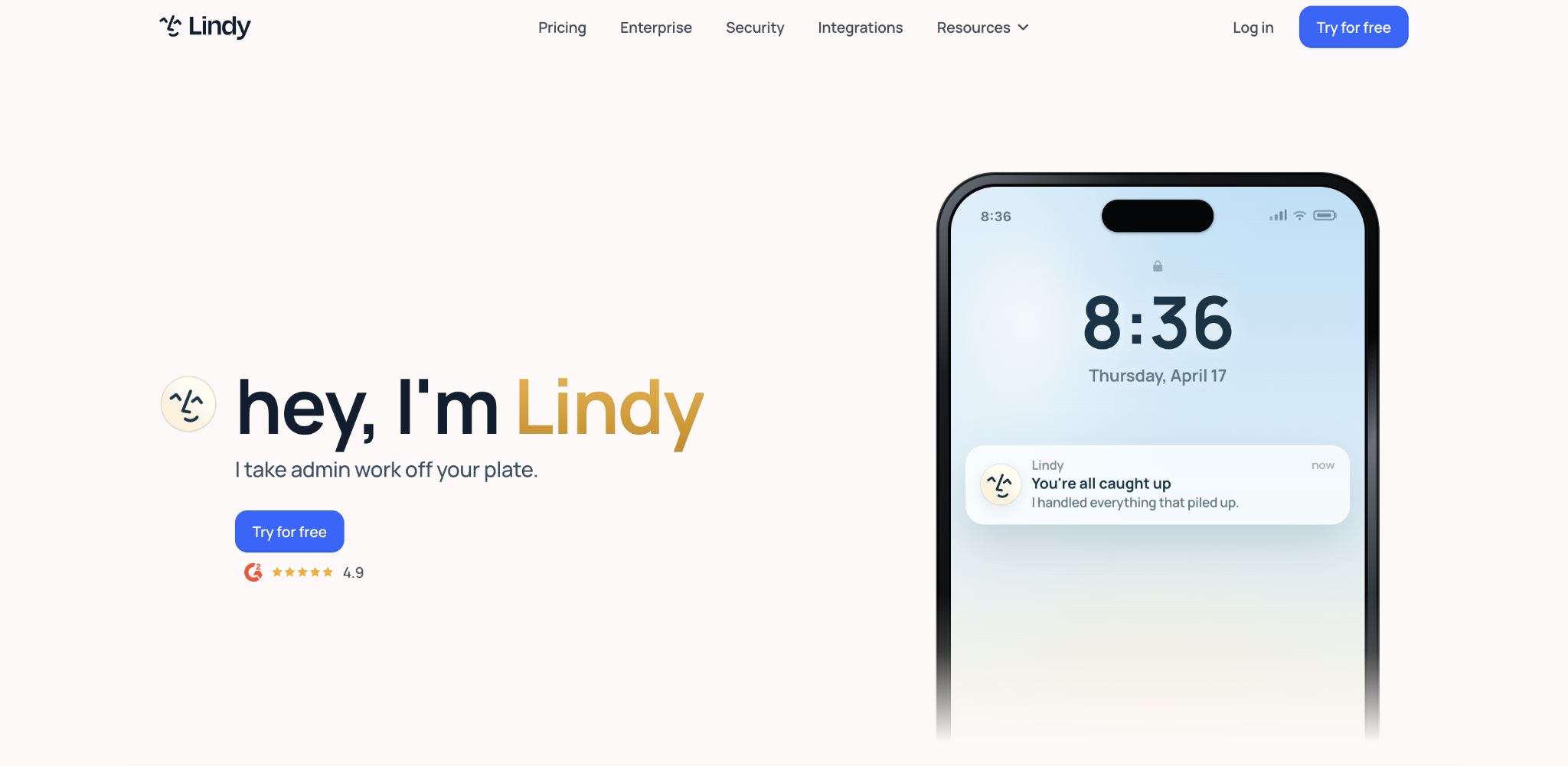
You describe what you want the agent to do in plain English, and Lindy builds the workflow. It’s the easiest platform on this list, with 1,000+ templates and a point-and-click interface.
Small teams and founders use it for daily operations: email triage, calendar management, meeting notes, lead follow-up, CRM updates.
Lindy pros
- Plain-English setup – the easiest platform on this list – you just describe the task, and Lindy assembles the workflow, no drag-and-drop or node editing needed.
- Security for a beginner tool – SOC 2 Type II certified, meaning an independent audit has verified its data security controls, with HIPAA and GDPR support.
- 1,000+ templates – pre-built workflows for common tasks so you don’t start from scratch.
Lindy cons
- Struggles with complex workflows – automations with many branching paths tend to get unreliable past five or six steps. Node-based builders like n8n or Gumloop handle conditional logic better.
- No client-facing deployment – no white-labeling or resale options, so agencies and consultants can’t package agents for clients.
- Credits don’t roll over – unused credits expire at the end of each month.
Lindy pricing
Lindy offers a 7-day free trial. After that, Plus is $49.99/month, Pro is $99.99/month, and Max is $199.99/month.
Most tasks cost 1-3 credits on basic models. Complex tasks like voice calls or deep web research use around 10 credits each. Credits don’t roll over month to month.
2. Dust
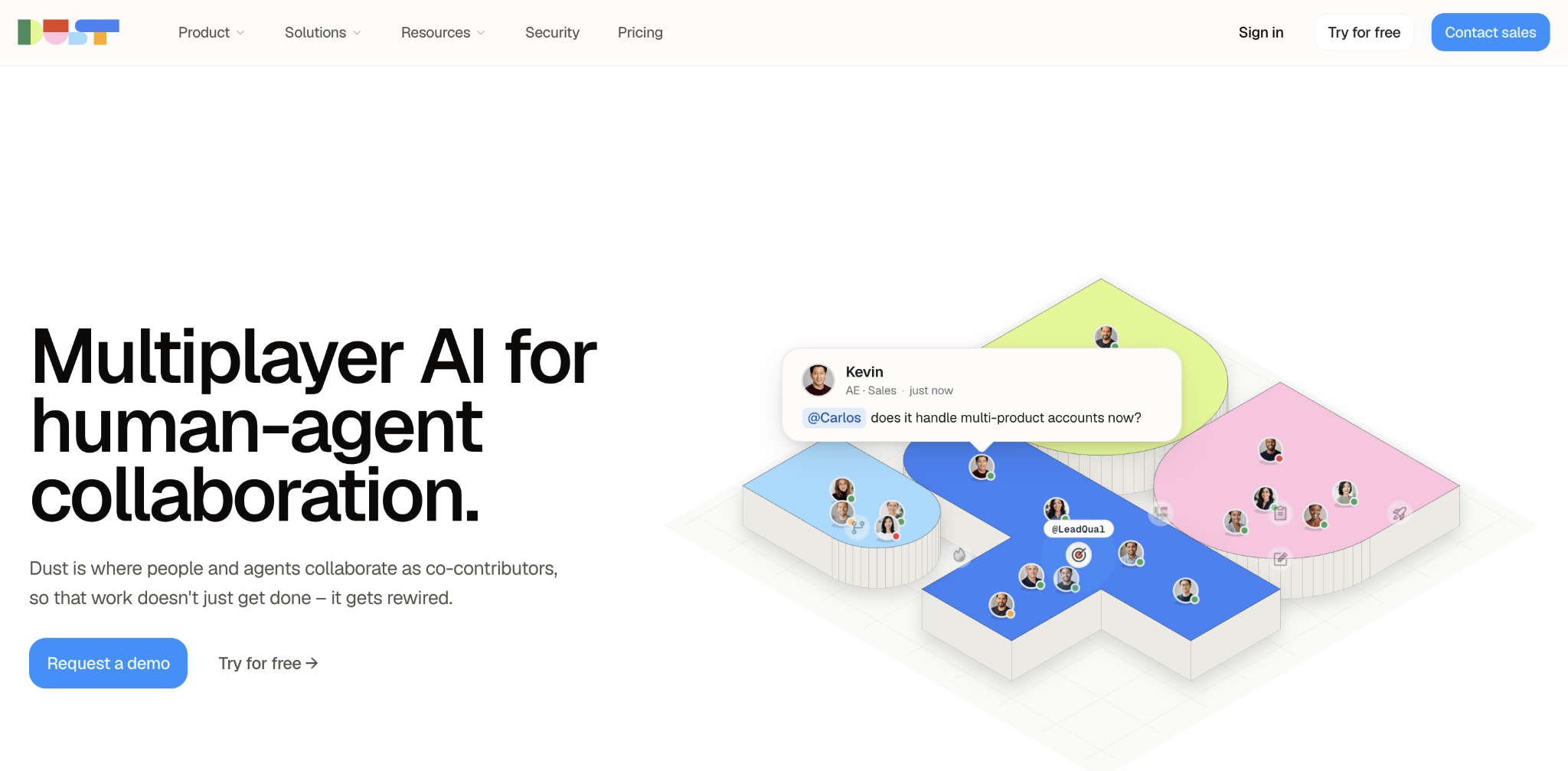
For example, an employee could ask a Dust agent about a product policy, and the agent could pull the answer from Notion, Slack threads, and Google Drive documents.
Dust pros
- Grounded in your data – agents pull from your actual company knowledge across multiple tools, not just a generic model.
- 20+ model choices – supports OpenAI, Anthropic, Google, Mistral, and DeepSeek with no models locked behind higher tiers.
- Non-technical users can run it – one of the few platforms on this list that doesn’t need developer help for day-to-day use.
Dust cons
- Internal knowledge only – Dust focuses on answering questions and taking actions from internal data. Outbound automation or multi-agent sales workflows aren’t its strength (Relevance AI, entry 8, is better for that).
- Credit-based billing – research-heavy or tool-heavy workflows burn through credits faster than simpler tasks, making costs harder to predict.
- Per-user pricing – costs scale with headcount, which adds up fast when rolling out across departments.
Dust pricing
Dust uses a credit-based system. A free tier gives you 500 lifetime credits. Pro costs $30/user/month with 8,000 credits per month. Max costs $150/user/month with 40,000 credits per month.
Tool calls and token usage both consume credits, so research-heavy or tool-heavy workflows burn through them faster than simpler tasks.
3. MindStudio
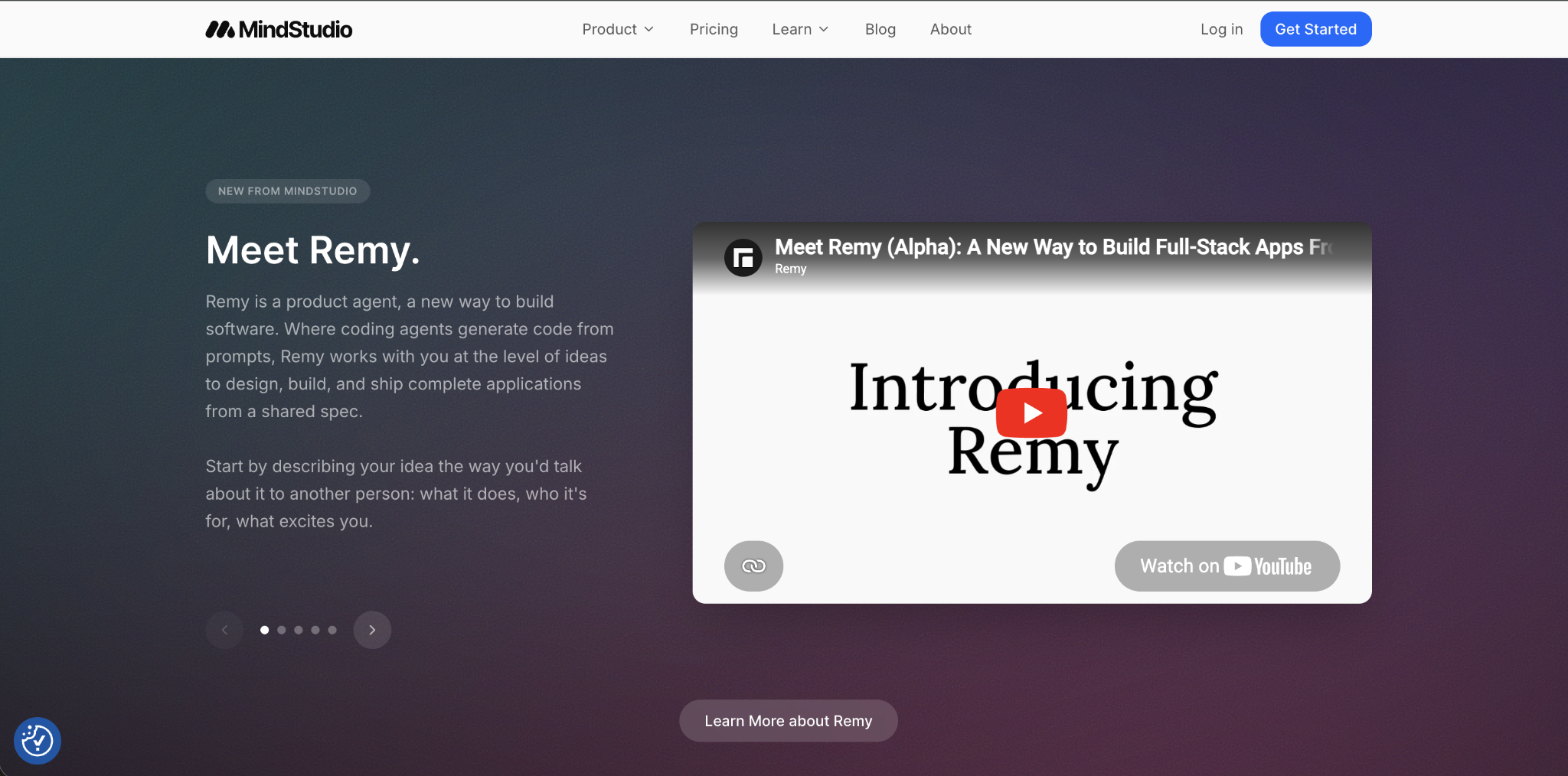
MindStudio lets you build, deploy, and sell AI agents without code. It connects to 200+ AI models (GPT, Claude, Gemini, and open-source) through a single interface, so you can swap models or test alternatives without rebuilding anything.
MindStudio pros
- 200+ models in one interface – swap or compare models without rebuilding workflows or managing separate API keys.
- Built-in monetization – pricing configuration, payment management, and agent sharing let you charge users for agent runs directly.
- Flexible deployment – deploy to web, mobile, or embed inside other apps. SOC 2 certified. Teams at TikTok, Microsoft, Adobe, and ServiceNow use it.
MindStudio cons
- Overwhelming at first – 200+ models and multiple deployment options mean there’s a lot to learn before you find your setup.
- Usage fees on top of subscription – “unlimited runs” means no cap on agent runs, but each run uses model calls billed separately as usage fees.
- Code needed for advanced setups – building workflows, connecting models, and deploying all work without code, but custom API integrations or logic outside the visual builder require code.
MindStudio pricing
Its free tier includes one agent and 1,000 runs per month. Individual is $20/month (or $16/month billed yearly) with unlimited agents and unlimited runs. Business is custom pricing and adds team workspaces, SSO, audit logs, and self-hosting options.
“Unlimited runs” means there’s no cap on how many times you can run your agents, but each run incurs model calls billed separately as usage fees.
4. Zapier Agents
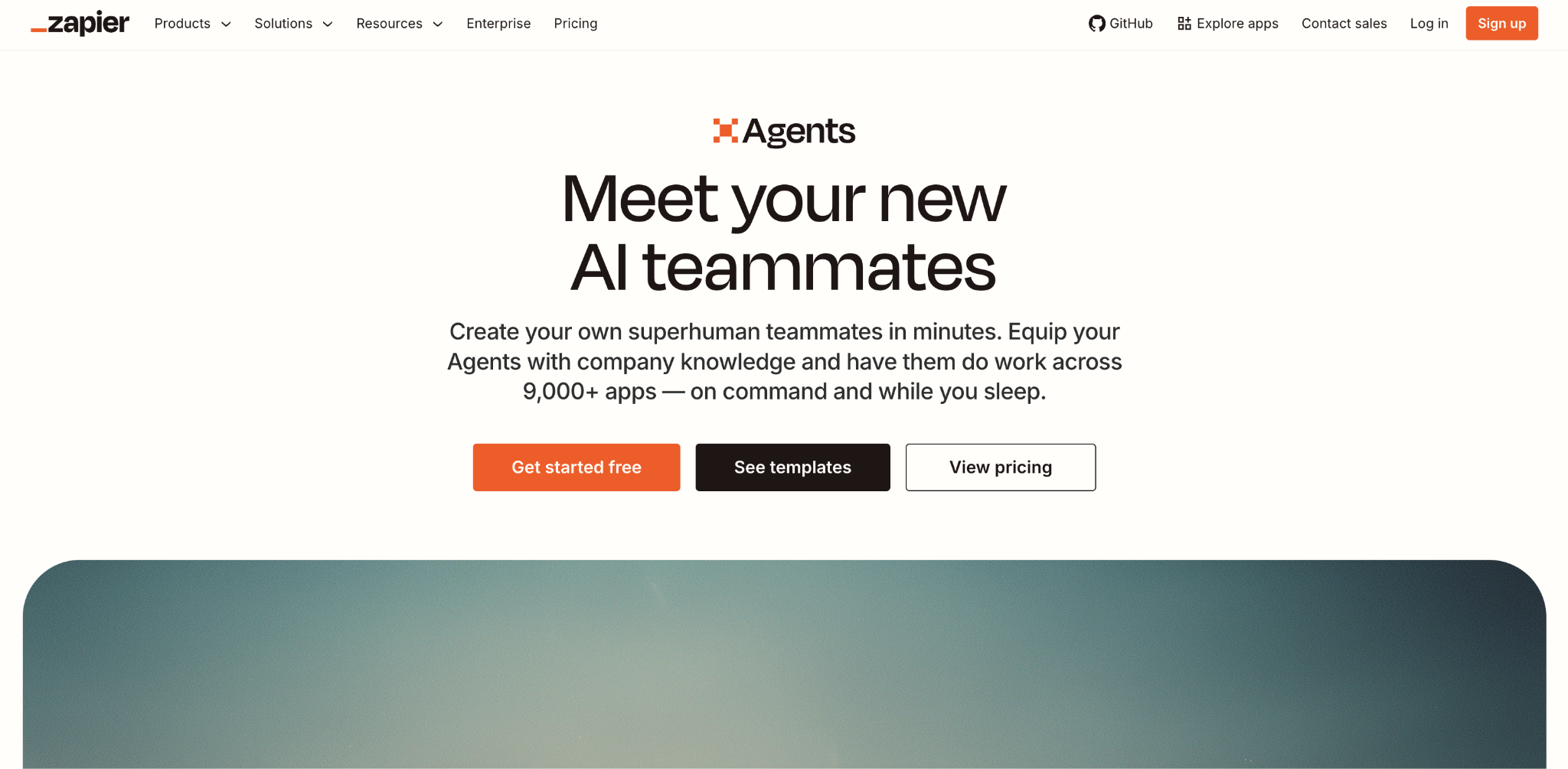
Zapier is the most widely used no-code automation platform, with 9,000+ app integrations. Its standard automations follow fixed steps you define in advance.
Zapier Agents, added in 2025, work differently: you give the agent a goal, and it decides which connected actions to use. Zapier also added AI Steps (LLM calls within any automation) and MCP support (a standard that lets external AI models like Claude or ChatGPT use Zapier actions).
Zapier pros
- 9,000+ integrations – the largest app library of any platform on this list, and your existing Zapier connections carry over.
- Familiar interface – if your team already uses Zapier, adding agents doesn’t mean learning a new platform.
- Free-agent tier included – every Zapier plan includes 400 agent activities per month at no extra cost.
Zapier cons
- Per-task pricing adds up – a 5-step workflow uses 5 tasks per run, so complex workflows get expensive fast.
- Agent features are newer – Zapier Agents launched in 2025 and are still less mature than dedicated agent builders like Lindy or Voiceflow.
- Separate billing meters – agent activities and standard Zap tasks are measured separately, so running an agent that also triggers Zaps means tracking two usage counters.
Zapier Agents pricing
The core platform has a free tier (100 tasks/month, 2-step limit). Professional starts at $19.99/month (annual) for 750 tasks. Team is $69/month for up to 25 users.
Every Zapier plan includes a free version of Zapier Agents with 400 agent activities per month. The Agents Pro add-on costs $33/month and bumps that to 1,500 activities. Agent activities are measured separately from standard Zap tasks.
5. Chatfuel
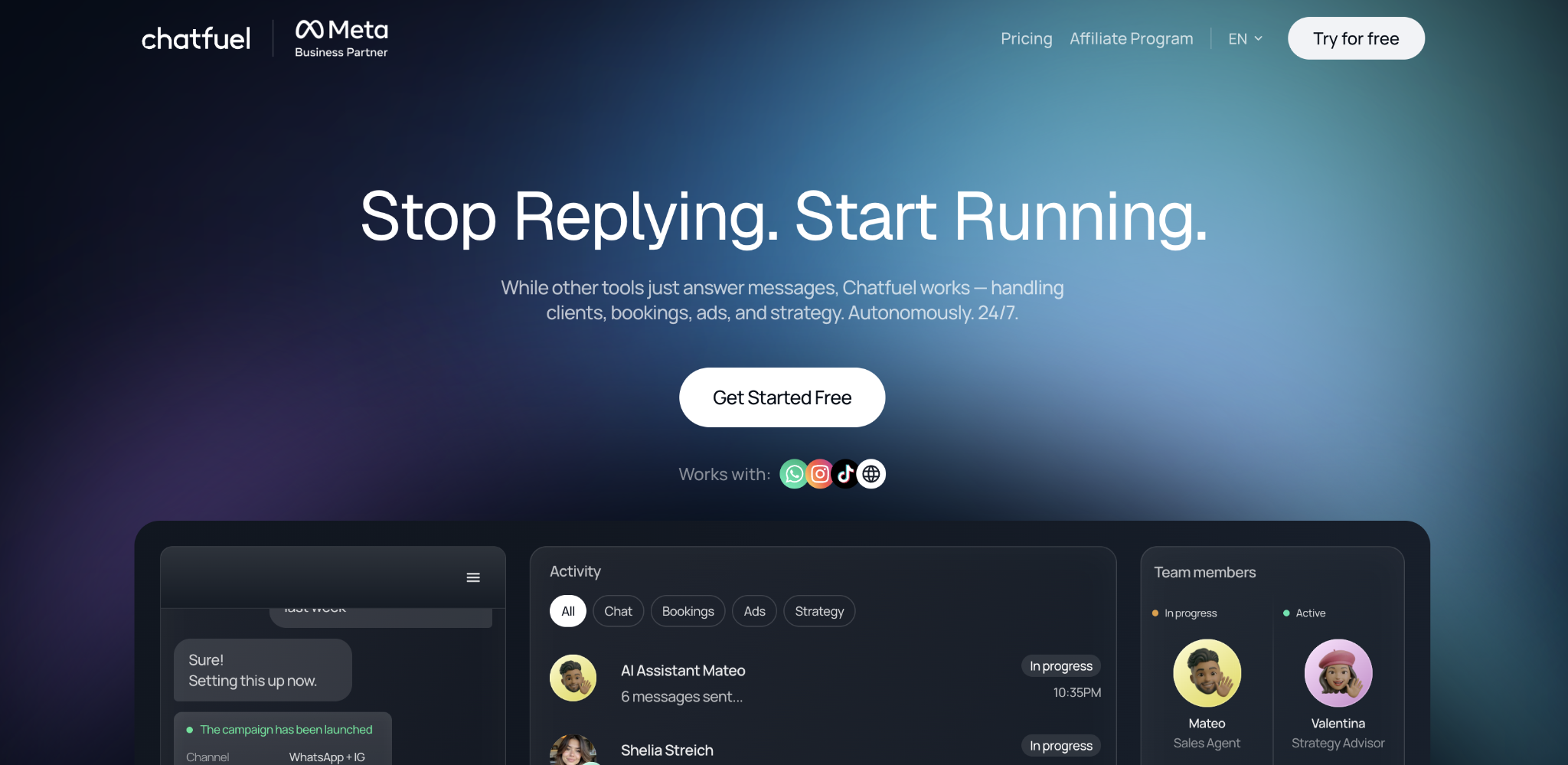
Chatfuel builds AI-powered sales and support agents for WhatsApp, Facebook Messenger, and Instagram DMs. Its AI agent, called Fuely AI, runs on OpenAI’s models and handles lead qualification, appointment booking, product recommendations, FAQ answering, and live-chat handoffs.
Small businesses and ecommerce teams that talk to customers mostly through social channels are the main audience. You set up agents using templates and visual flow builders. Chatfuel connects to Stripe, Shopify, Calendly, Google Sheets, and Zapier.
Chatfuel pros
- Social-first – purpose-built for Instagram, WhatsApp, and Messenger, where many small businesses already talk to customers.
- AI sales agent included – Fuely AI handles lead qualification, product recommendations, and appointment booking on the AI Pro plan.
- No coding needed – set up agents with templates and a visual flow builder.
Chatfuel cons
- Messaging channels only – no voice, custom web chat, or back-office automation. Voiceflow or Botpress handles broader conversational use cases, while Lindy or n8n is better for internal workflows.
- No free permanent tier with AI – Chatfuel Light is free, but doesn’t include AI features.
- Limited to OpenAI models – unlike platforms that support multiple providers, Chatfuel runs on OpenAI only.
Chatfuel pricing
Chatfuel has two plans. Chatfuel Light is free and includes basic automations, a shared inbox, the visual flow builder, and templates. AI Pro is $49/month, billed annually, and includes the AI sales manager, AI knowledge base, AI-powered automations, broadcasts, funnels, and advanced contact tools.
Usage limits apply on both plans. If your usage grows beyond the plan limits, Chatfuel’s team can help you find the right setup.
6. Voiceflow
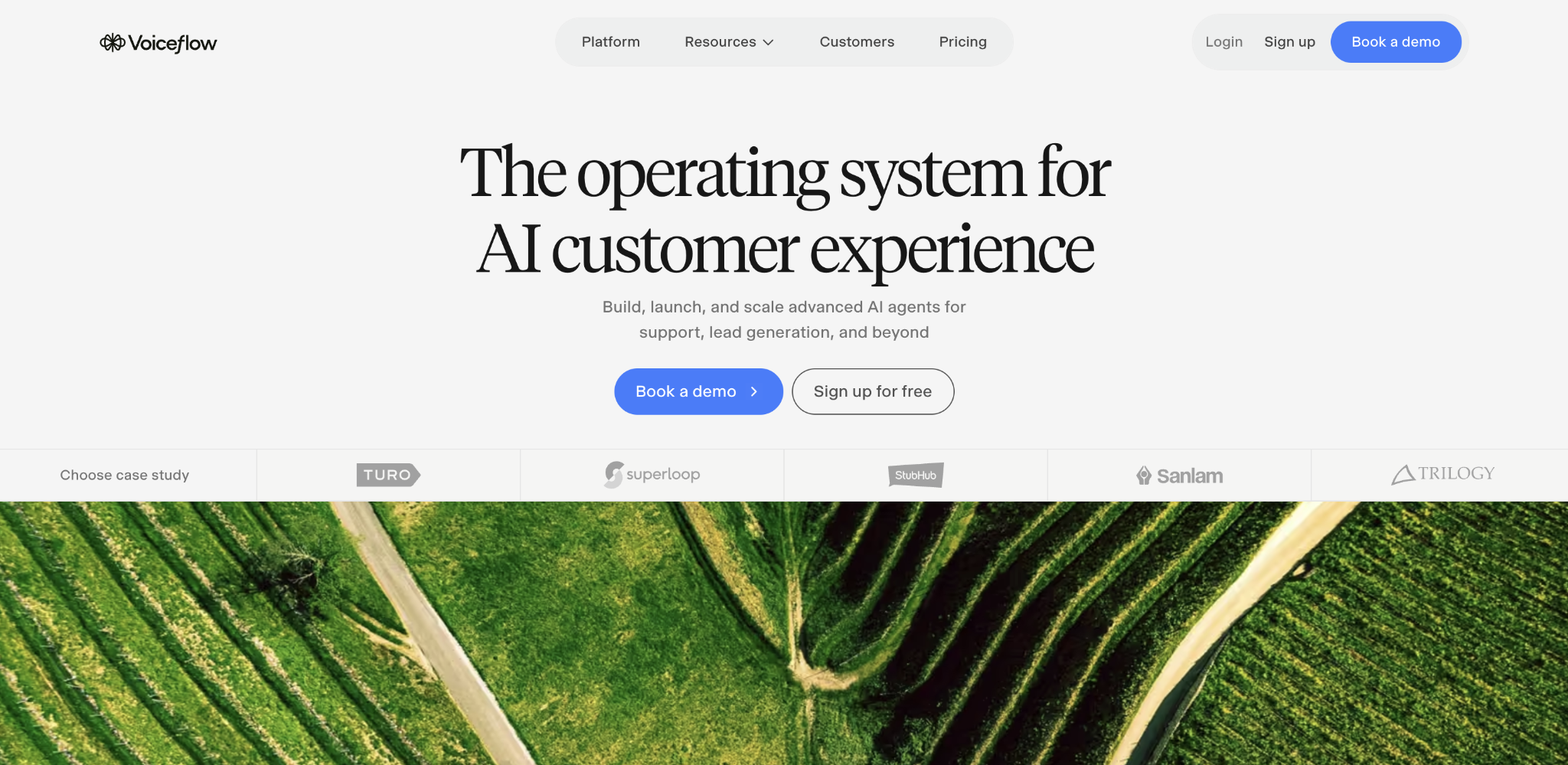
Voiceflow focuses entirely on conversational agents. Its visual designer covers dialogue flows, LLM prompts, knowledge base lookups, and handoff logic (rules for when the agent should hand off the conversation to a human) in a single canvas.
You can deploy agents to web chat, voice, WhatsApp, and IVR (the automated phone system that routes callers through menu options).
Voiceflow pros
- Chat and voice in one platform – design, test, and deploy conversational agents across web, voice, WhatsApp, and IVR from a single canvas.
- Model-agnostic – supports GPT, Claude, Gemini, Llama, and Grok, so you’re not locked into one provider.
- Strong agency support – white-labeling, multi-client workspace management, and client handoff tools make it a good fit for agencies building agents for clients.
Voiceflow cons
- Conversation-only – if your use case doesn’t involve a chat or voice channel, like back-office processing or internal ops, a different platform on this list will fit better.
- Pricing not public – Voiceflow doesn’t publish plan prices on its website. Agencies can sign up with usage-based billing; businesses are asked to book a demo.
- Steeper than prompt-first tools – some API familiarity helps, especially for custom integrations and advanced flows. Compared to Botpress (entry 7), Voiceflow has a gentler learning curve and stronger design tools, but Botpress offers zero-markup LLM billing and a more developer-friendly toolkit.
Voiceflow pricing
Voiceflow doesn’t publish plan prices on its website. Agencies and partners can sign up directly with a free trial and usage-based billing. Businesses are asked to book a demo for pricing.
The free plan includes a one-time credit grant that doesn’t renew. Paid plans (Pro, Business, Enterprise) include monthly credit allotments that reset each billing cycle. Credits are consumed when agents generate AI responses, send messages, or make phone calls. You can enable auto top-ups so agents don’t stop mid-month. Editor seats are a paid add-on; viewers are free on all plans.
7. Botpress
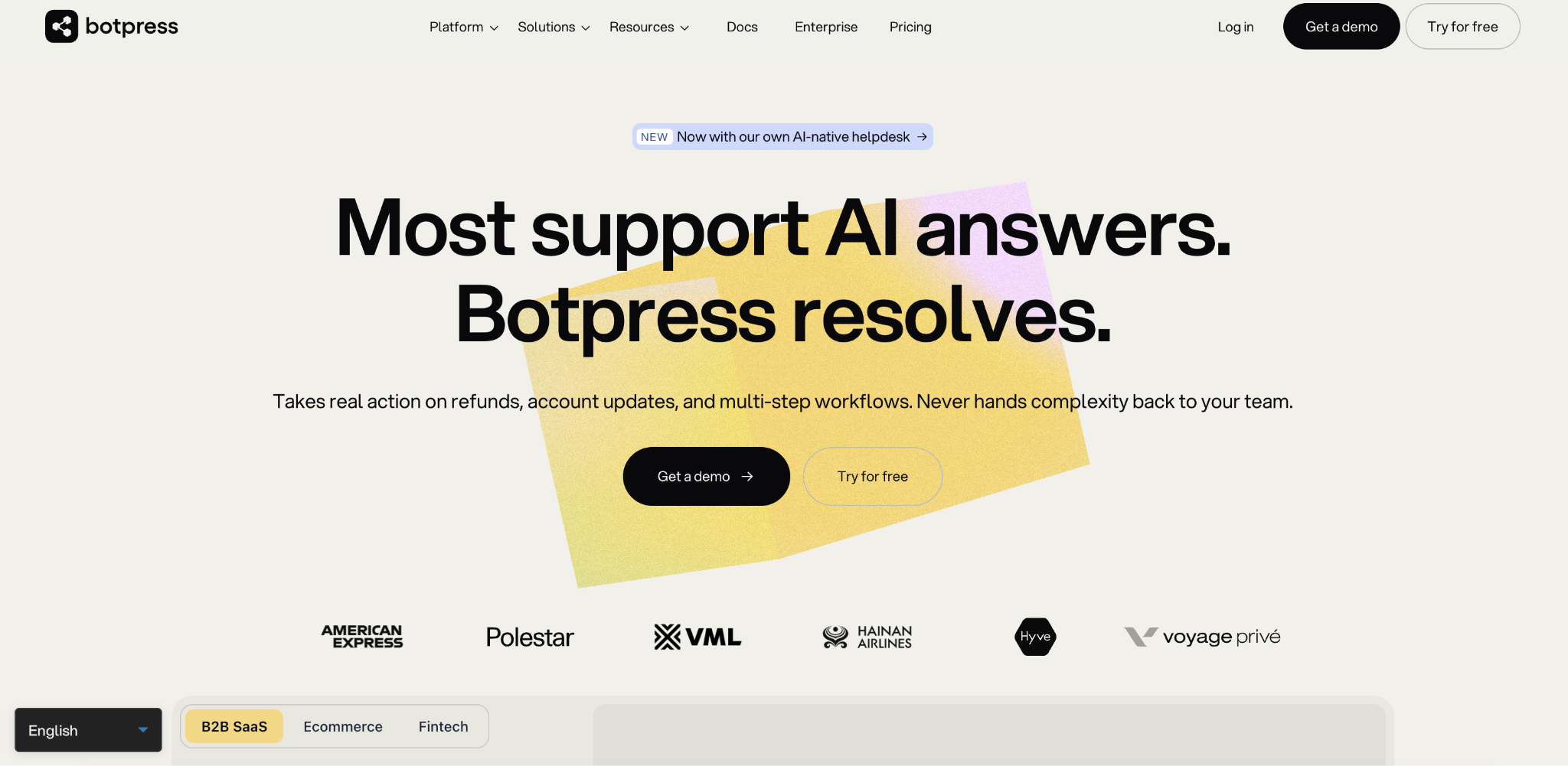
Botpress gives you a visual flow builder for LLM-powered chat agents, with deployment across web, WhatsApp, Slack, Instagram, and Messenger. It includes a built-in knowledge base for RAG-style question answering (the agent pulls answers from your documents) and charges for LLM usage at the provider’s actual cost with no markup.
The platform works for everyone from solo freelancers building chatbots for clients to enterprise support teams.
Botpress pros
- Zero-markup LLM billing – model usage is charged at the provider’s actual cost, with no platform markup on top.
- Developer toolkit (ADK) – alongside the visual studio, you can mix visual building with code for advanced customization.
- Wide channel support – deploy across web, WhatsApp, Slack, Instagram, Messenger, and Telegram from one build.
Botpress cons
- Steeper learning curve – Botpress exposes more developer-oriented controls than Voiceflow, which makes it more flexible but harder for beginners to pick up.
- Chat-focused – strongest for chat-based use cases. Back-office automation and internal workflows aren’t its focus.
Pricing structure changed recently – Botpress restructured pricing in May 2026, and older workspaces stay on a different billing model, which can cause confusion.
Botpress pricing
Botpress changed its pricing structure in May 2026. If you created a workspace after that date, you’re on the new conversation-based plans: Free (100 conversations/month, 1 seat, 3 agents), Plus (~$150/month, 250 conversations, 3 seats), and Team (~$750/month, 1,500 conversations, unlimited seats).
Older workspaces stay on the previous model, which bills AI usage separately.
8. Relevance AI
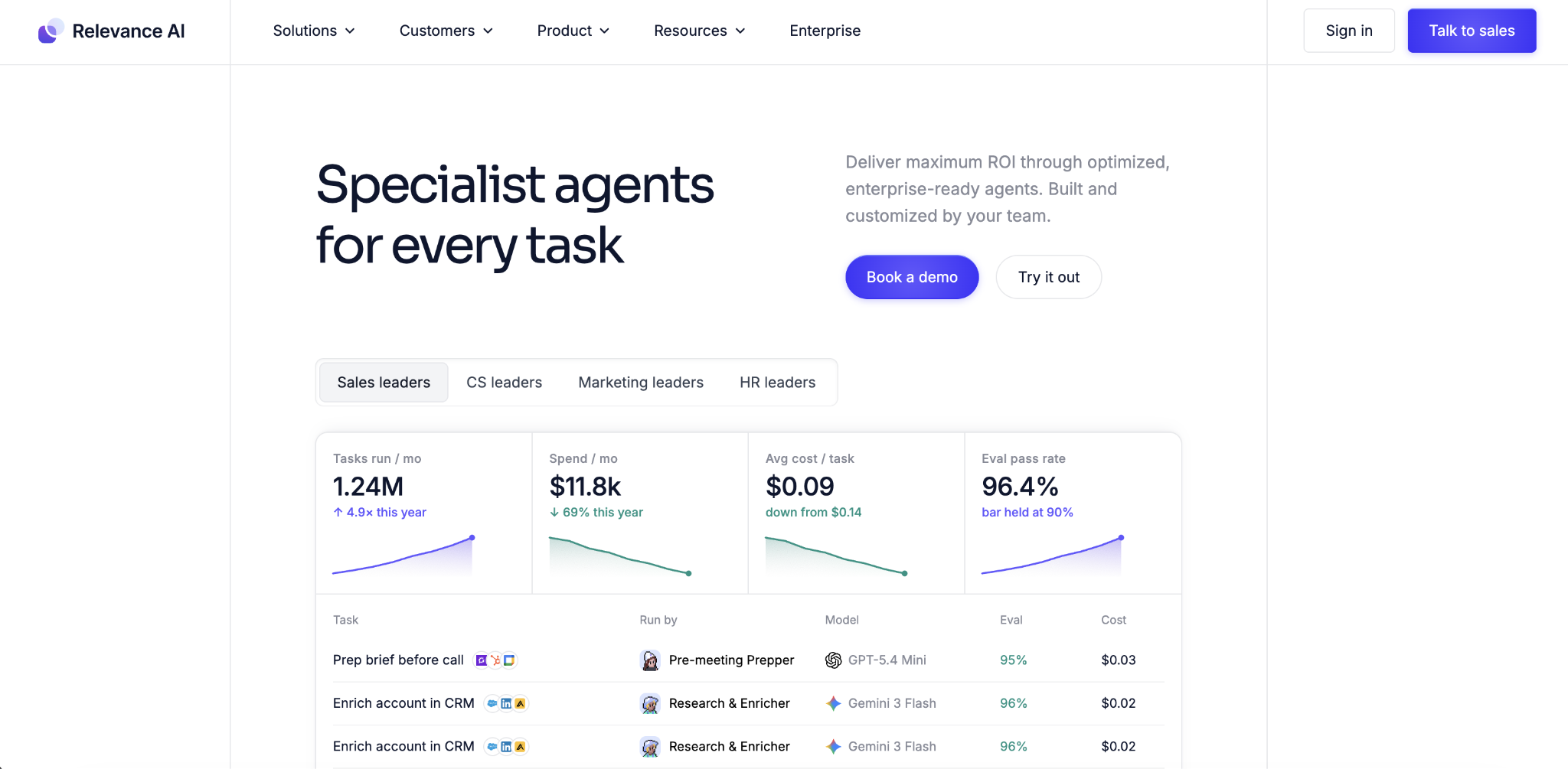
Relevance AI lets you build teams of AI agents that work together. One agent researches a prospect, a second writes personalized outreach, a third handles scheduling. That replicates the kind of multi-step sales and marketing AI agent workflows that would otherwise need several people.
Growth-stage companies running multi-step outbound, prospect research, and support triage are the main users. The platform offers 400+ agent templates and connects to Salesforce, HubSpot, and Slack.
Relevance AI pros
- Multi-agent collaboration – build teams of specialist agents that hand off work to each other, replicating full departmental workflows.
- 400+ templates – pre-built agent setups for sales, marketing, support, and ops.
- BYO API keys – paid plans let you bring your own model API keys, reducing the vendor credit cost.
- SOC 2 Type II and GDPR compliant – meets the security and privacy standards that enterprise buyers typically require.
Relevance AI cons
- Unpredictable costs – the dual billing model (Actions + Vendor Credits) makes monthly spend hard to forecast, especially as usage grows.
- Steeper than advertised – the platform has a real learning curve despite its “no-code” label.
- Multi-agent complexity – for simpler workflows, a single agent with a fixed sequence is often easier to test and cheaper to run than a multi-agent setup.
Relevance AI pricing
Relevance AI has a free tier with 200 actions per month. Pro is $19/month (annual billing, 30,000 actions/year). Team is $234/month (annual billing, 84,000 actions/year). Enterprise is custom.
Billing has two meters: Actions (what the agents do) and Vendor Credits (the cost of the language models they use, passed through at zero markup). Paid plans let you bring your own API keys to reduce the Vendor Credit cost.
9. Gumloop
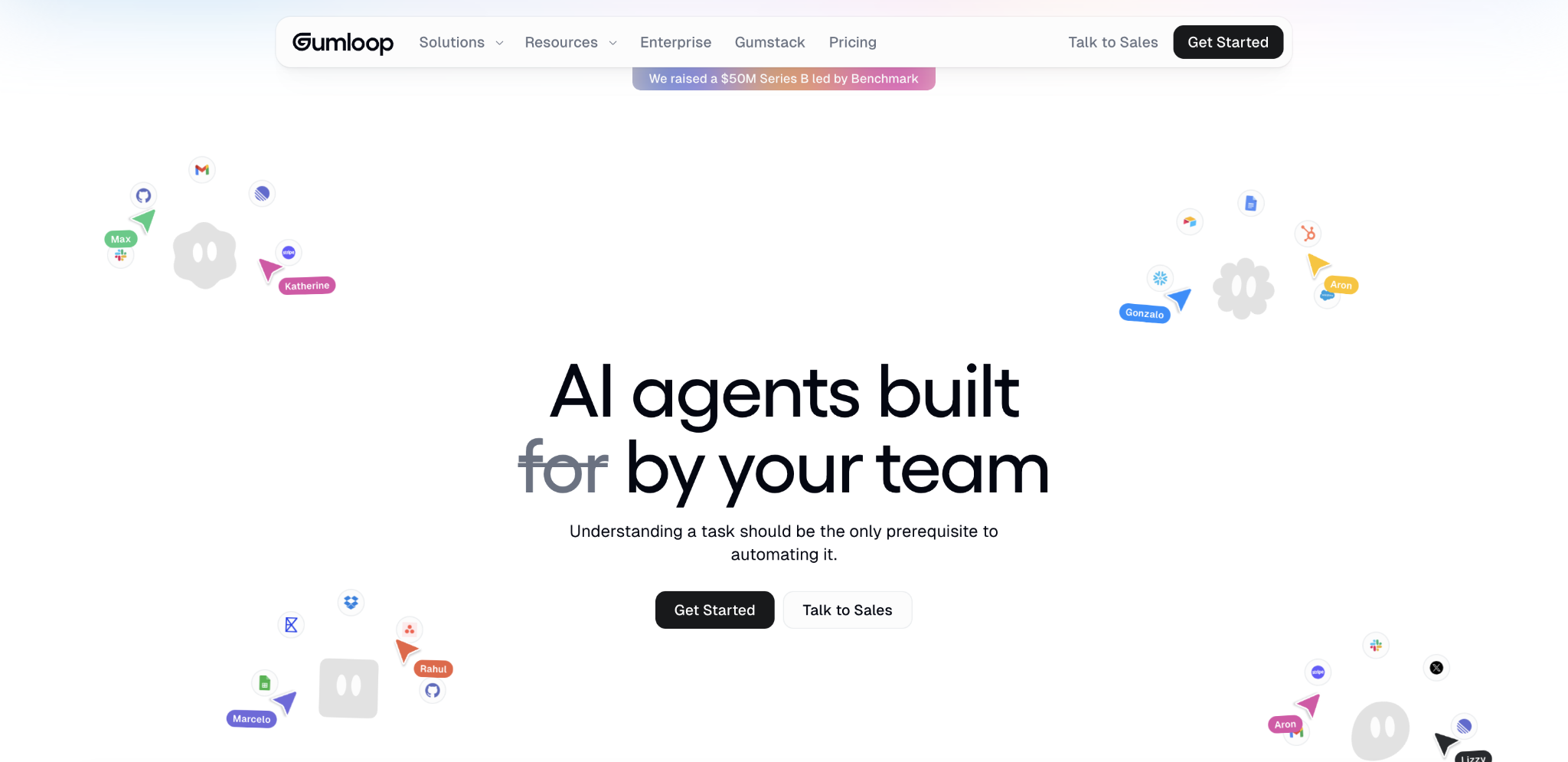
Gumloop is a node-based visual builder for structured business workflows in regulated industries. It includes LLM steps, conditional branching (if-then logic), data transformations, and 150+ integrations with tools like Google Workspace, Slack, and Jira.
Gumloop pros
- Compliance controls – the Enterprise plan includes audit logs, role-based access control, and private-cloud deployment for teams that need to meet SOC 2, GDPR, or HIPAA requirements.
- Well-funded – raised $50 million in a Series B led by Benchmark in March 2026, with Shopify, Ramp, and Instacart among its customers.
- MCP support – connects to external AI models and tools through MCP (Model Context Protocol, a standard for connecting AI models to external tools), plus custom API connections.
Gumloop cons
- Third-party data costs – some providers that Gumloop connects to, like Hunter or ZoomInfo, charge their own fees on top of your Gumloop plan if your workflows depend on data enrichment.
- Credit-per-step billing – each step in a workflow uses credits, so longer, more complex workflows cost more per run.
- API familiarity helps – the node-based builder is visual but works best for users comfortable with APIs and data flows.
Gumloop pricing
Gumloop has a free tier with 2,000 credits per month. Pro starts at $37/month with 20,000+ credits (scales with usage). Enterprise is custom.
Each step in a workflow uses credits, so longer, more complex workflows cost more per run. Gumloop restructured its pricing in early 2026, combining its Solo and Team plans into a single Pro tier.
10. n8n
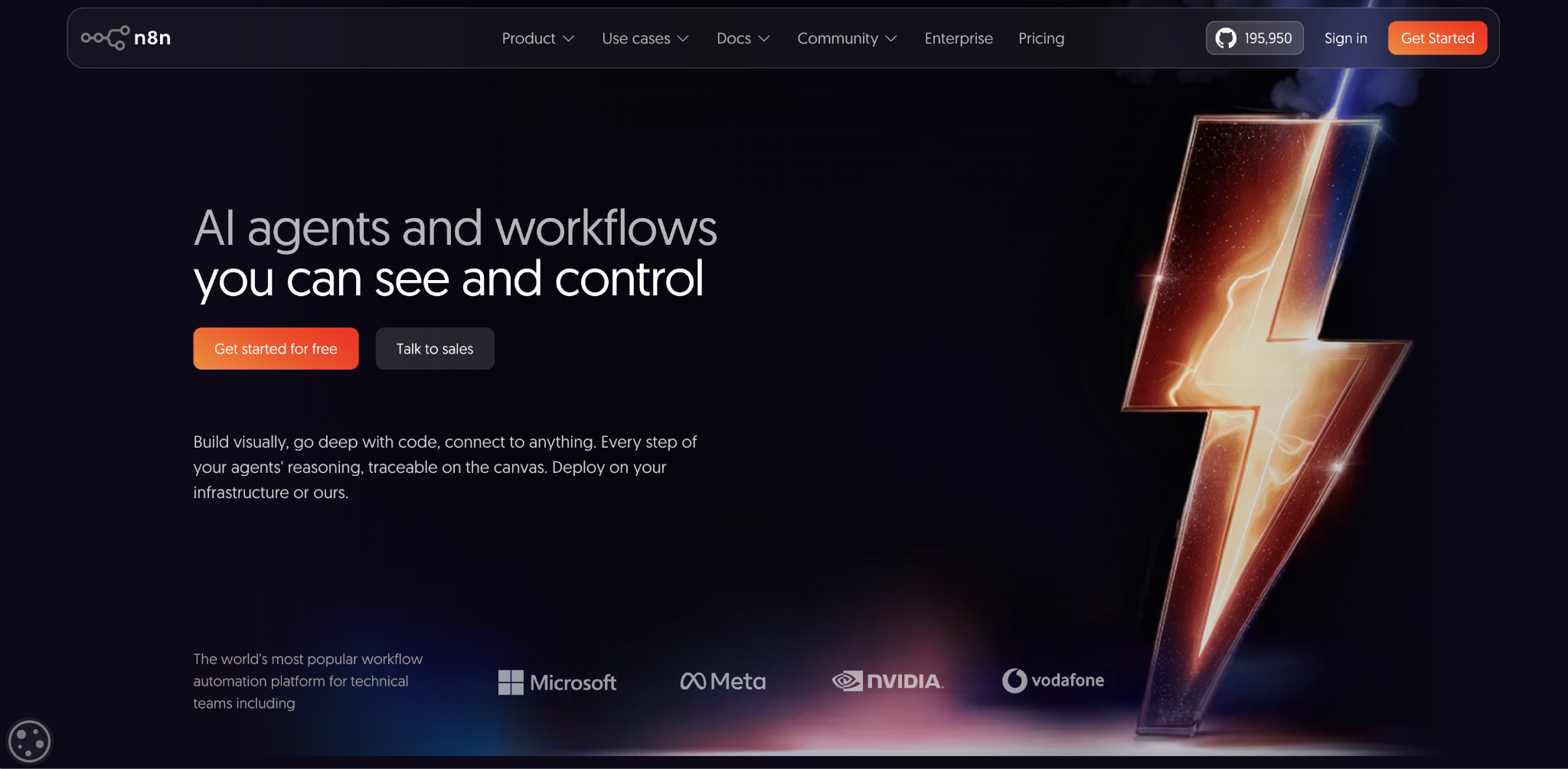
n8n is a source-available (open-source with some restrictions on resale) workflow automation platform with a visual node editor and 500+ integrations.
Its AI Agent node is built on LangChain, a popular framework for connecting language models to tools and data. You can set up different AI agent types, give them access to tools like email, CRMs, or databases, and connect them to knowledge sources so they can look up information before responding.
n8n fits technical teams that want full control. You can self-host the workflow engine and keep more of the workflow data on your own servers, though data still flows to any external model providers or services you connect to.
n8n pros
- Self-hosting option – run the workflow engine on your own servers for free, with unlimited executions, unlimited users, and no per-seat fees.
- 500+ integrations – connects to more apps than most agent-specific platforms, and you can add custom API connections for anything not built in.
- Full workflow control – branching, loops, custom code nodes, and LangChain-based AI agents give you more flexibility than any no-code tool on this list.
n8n cons
- Low-code, not no-code – you’ll often need JavaScript or Python for custom logic, and the platform assumes you know how APIs work. Business users without technical support will quickly get stuck.
- Self-hosting requires maintenance – running your own instance means managing updates, uptime, and infrastructure. Data still goes out to any external model providers or services you connect to.
- Execution-based pricing on cloud – a 5-step workflow uses 1 execution, but costs can be hard to predict at scale if you run many workflows frequently.
n8n pricing
Self-hosting is free with unlimited executions and users. The cloud version starts at about $24/month for 2,500 executions (one execution = one full workflow run, regardless of the number of steps).
Pro is $50/month for 10,000 executions. Enterprise starts at $800/month. All cloud plans include unlimited users and workflows.
11. Langflow
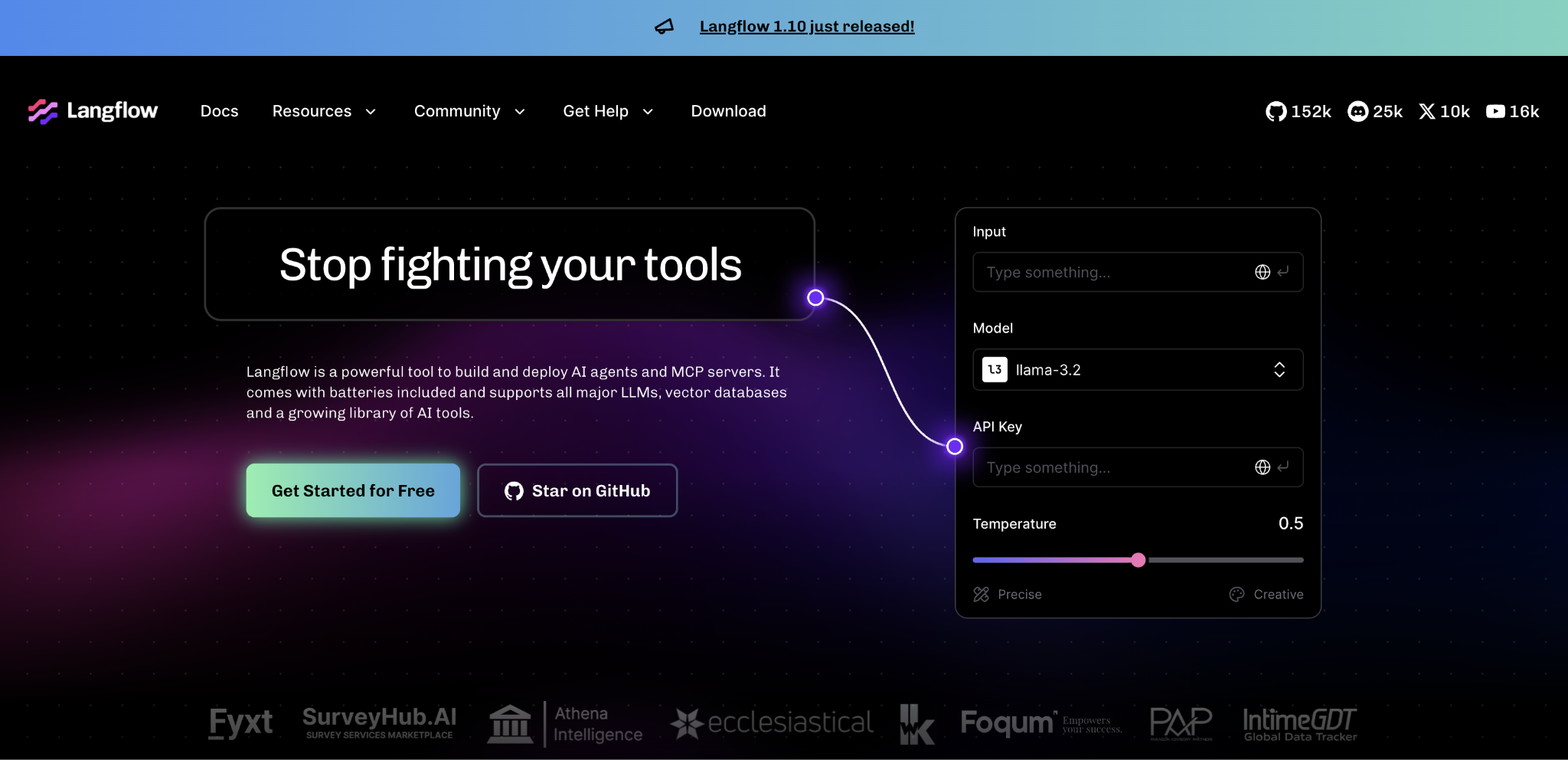
Langflow gives you a drag-and-drop canvas where you can connect nodes for language models, prompts, memory, data retrievers (components that pull information from documents or databases), and tools. You build the flow visually, then deploy it or export the code.
It works with GPT, Claude, Gemini, and open-source models, so you’re not locked into one provider.
Langflow pros
- Open-source and free to self-host – no licensing fees, full access to the codebase, and complete control over your deployment.
- Model-agnostic – works with every major LLM provider and open-source models, so you can switch without rebuilding.
- Visual prototyping – developers and AI engineers can explore agent and RAG (retrieval-augmented generation) architectures on a drag-and-drop canvas before committing to code.
Langflow cons
- Developer required – Langflow shows the underlying LangChain framework directly in the interface (terms like “chains,” “agents,” “retrievers”), which can confuse non-technical users.
- Production infrastructure is on you – self-hosting is free, but getting a flow into production takes real infrastructure work. Your costs are driven by LLM APIs, vector databases, and hosting.
- Ownership uncertainty – DataStax acquired Langflow in 2024, and IBM announced plans to acquire DataStax in early 2025, which may affect the platform’s roadmap and hosting options.
Langflow pricing
Langflow is open-source, so self-hosting is free. Managed hosting through third parties starts around $16/month.
Your real costs come from LLM API usage, vector database hosting, and infrastructure, which are all separate from the Langflow platform itself.
What are the building blocks of a no-code AI agent?
Every platform above wraps the same basic structure in a different interface. You’ll see the same three pieces in examples of AI agents across customer support, sales, marketing, and ops:
- The model is the language model (GPT, Claude, Gemini, or an open-source alternative) that does the thinking. Bigger models handle complex reasoning like research and writing. Smaller models are cheaper and fast enough for repetitive tasks like routing or classification.
- The prompt is the set of instructions that tells the agent what it is, what it should do, and where to stop. A clear prompt with edge-case rules (“if X happens, do Y”) is what keeps an agent on track.
- The tools are the apps and services the agent can call on: send an email, update a CRM record, look up a database, search the web. Most platforms offer hundreds of built-in connections.
Production agents usually also need a trigger (what kicks off the workflow, like an incoming email or a schedule), memory (context the agent carries between steps or conversations), and guardrails (rules that prevent the agent from taking actions it shouldn’t, like spending above a budget or contacting the wrong person).
How do you build a no-code AI agent?
Once you know what the pieces are, building an agent follows the same steps across all AI agent builders, whether no-code, low-code, or code-first:
- Pick one workflow. Start with a single, repeatable task, not an entire department. Email triage, lead scoring, or ticket routing are good first picks.
- Choose the model. Match the language model to the job. Research and long-form writing usually need a more capable reasoning model. High-volume routing or classification can use a smaller, cheaper one.
- Write the prompt. Give the agent a role (“You are a support triage agent”), a goal (“Classify incoming tickets by urgency and topic”), and rules for edge cases (“If the ticket mentions billing fraud, escalate to a human immediately”).
- Connect the tools. Add only the integrations the workflow needs. Every extra connection is another thing that can break.
- Have a human review the first runs. Let someone check the agent’s decisions before it acts on its own. Once accuracy is consistent, you can reduce how often you review.
- Monitor after launch. Track costs, errors, and edge cases even after the agent is running well. Agents can break when integrations update, or when they hit scenarios the prompt didn’t cover.
Building a custom agent gives you full control over the workflow, but it also means choosing models, configuring tools, testing for failures, and monitoring usage.
Teams that need a ready-made specialist rather than a builder can try Hostinger Agents, which offer pre-built agents for SEO, writing, marketing, sales, support, legal, and strategy. You describe the task, and the agent handles it, with no models to choose, no prompts to write, and no integrations to set up.
The tradeoff is less workflow customization than platforms like n8n, Gumloop, or Lindy.
All of the tutorial content on this website is subject to
Hostinger’s rigorous editorial standards and values.


Alma is an AI Content Editor with 9+ years of experience helping ideas take shape across SEO, marketing, and content. She loves working with words, structure, and strategy to make content both useful and enjoyable to read. Off the clock, she can be found gaming, drawing, or diving into her latest D&D adventure.