Elements of a Perfect E-Receipt (With Examples)
Key takeaways ✨
|
Table of contents:
What is an e-receipt, and why do they matter?
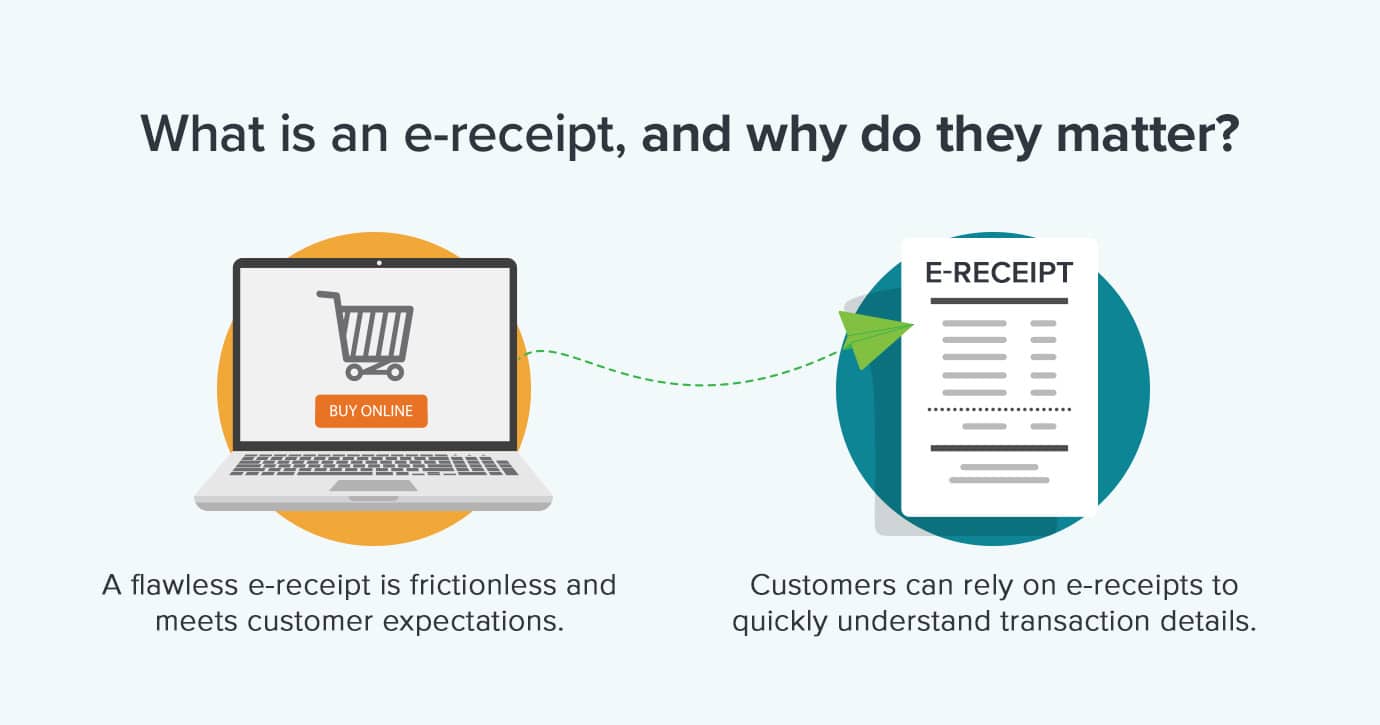
E-receipts are a unique digital touchpoint. These emails act as a digital version of a traditional paper receipt, sent via email after a purchase for documentation, support, and convenience. Teams deliver valuable information as either a PDF or HTML receipt. Customers get flexible, easy-to-access formats for documentation and record-keeping. It’s a win-win.
More than simple documentation, e-receipts are a two-way door to brand affinity and future revenue. Marketers can use e-receipts to feature loyalty programs and apps, cross-sell or upsell related products, reinforce brand consistency, and gather data with post-purchase preferences or feedback requests.
Take a close look at the strategic value of e-receipts:
- Captured attention: customers often open receipts immediately and reference them later. There’s more ongoing engagement than with nearly any other branded touch point.
- Relationship extender: post-purchase moments can bring satisfaction, trust, and fresh opportunities to engage.
- Legal and compliance role: many regions require retailers to provide electronic receipts for transparency, warranty, and accounting compliance.
- Cost and environmental benefits: e-receipts drastically reduce printing, storage, and postal costs, and reflect a growing expectation for brands to act sustainably. Since e-receipts are already digital, integrating with a secure digital storage system allows both businesses and customers to easily retrieve records for returns, audits, or future purchases.
Quick guide to e-receipt best practices
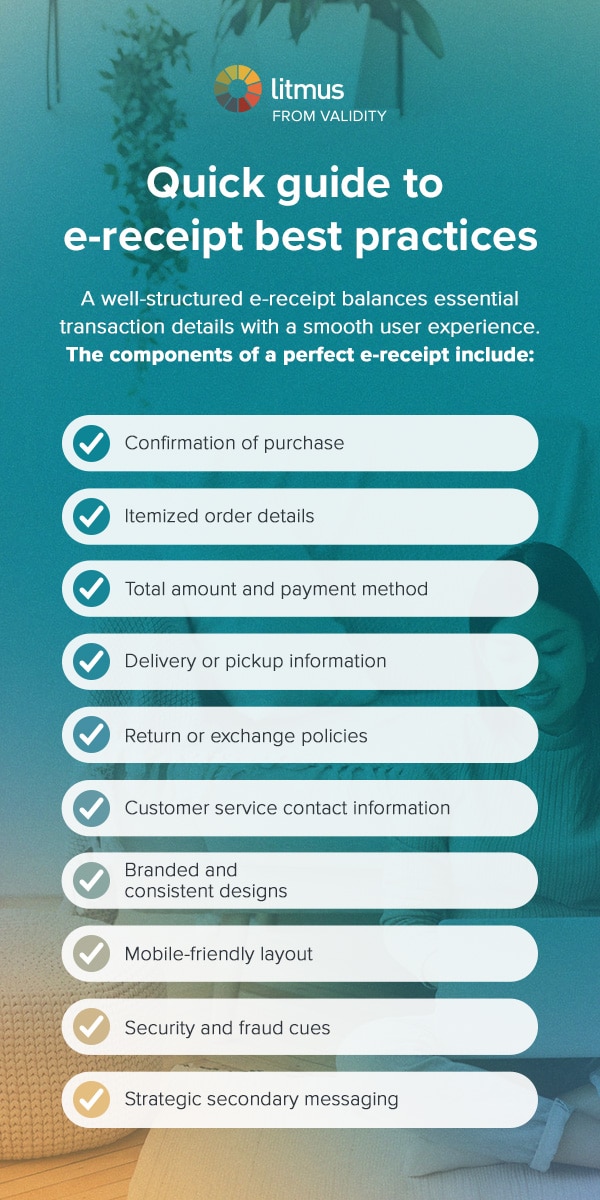
A well-structured e-receipt balances essential transaction details with a smooth user experience. By focusing on thoughtful design, you can transform a routine digital confirmation into a valuable customer touch point. The components of a perfect e-receipt include:
-
Confirmation of purchase: this component offers legal and financial reassurance while setting the post-sale tone.
-
Itemized order details: itemizing e-receipts supports returns and audits while increasing transparency.
-
Total amount and payment method: customers should be able to review this information and easily match it to statements.
-
Delivery or pickup information: prevent “Where’s my order?” anxiety by offering this information up front.
-
Return or exchange policies: including these policies reduces the time necessary to resolve issues.
-
Customer service contact information: make problem-solving proactive, rather than reactive, by providing support options.
-
Branded and consistent designs: showcase your professionalism and increase customer trust with branded, consistent designs.
-
Mobile-friendly layouts: remove friction and align with user preferences by making your e-receipts mobile-friendly.
-
Security and fraud cues: protect you and your customers from common threats.
-
Strategic secondary messaging: maximize post-purchase loyalty or promote the next sale by using strategic secondary messaging.
Top e-receipt examples and strategies
An excellent e-receipt is more than a transaction record—it’s a carefully crafted communication that strengthens customer relationships. Here are seven essential elements and the strategies behind them:
Example 1: The app promotion strategy
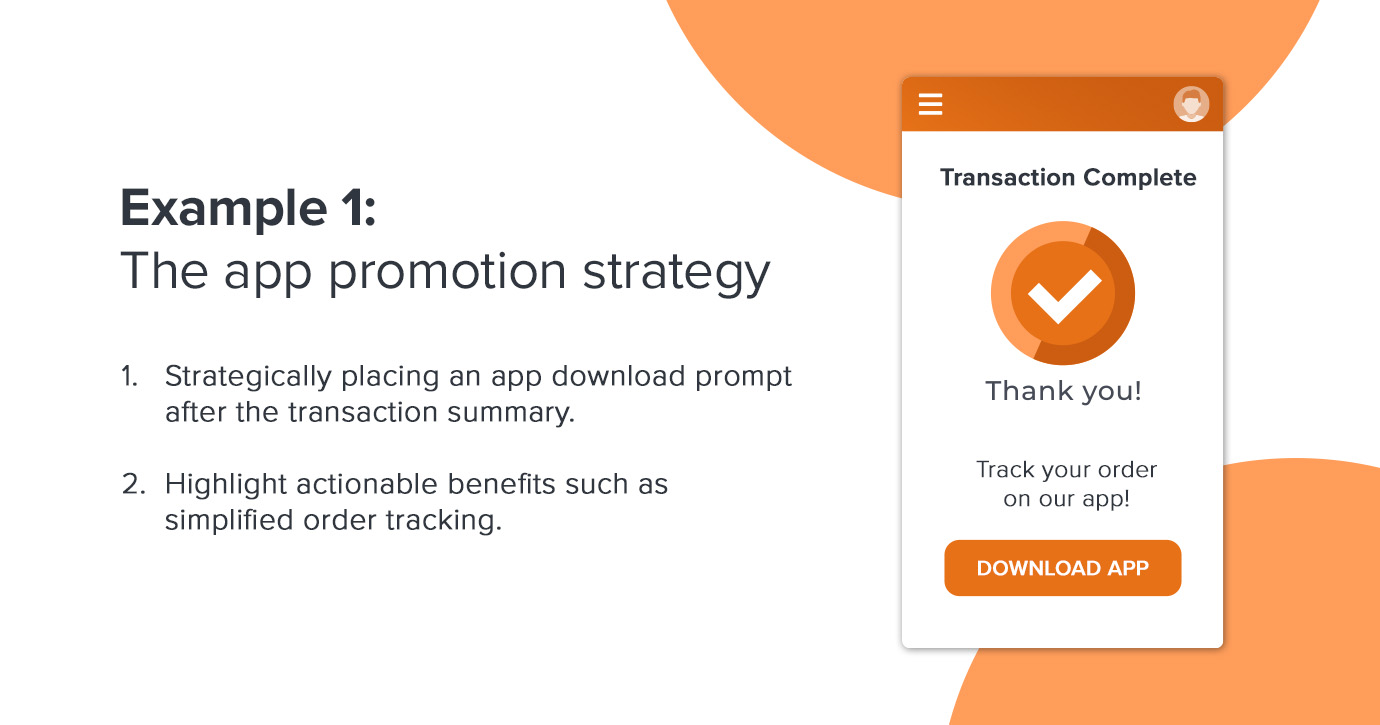
One powerful element of a high-performing e-receipt is the targeted promotion of your mobile app or digital services. By strategically placing an app download prompt after the transaction summary, you leverage a moment when the customer is attentive and already in a “digital mindset.” The key is to highlight actionable app benefits such as simplified order tracking or exclusive app-only features.
Design matters with this strategy. Keep it concise and use a modern, single-column layout that echoes your brand style. Position security and trust details, like fraud warnings or order verification, nearby, reinforcing the legitimacy of both the receipt and your app. The timing of this promotion is critical. By presenting app downloads just after purchase confirmation, you avoid interrupting the main transaction and instead provide relevant value rather than distraction.
Example 2: Loyalty program integration
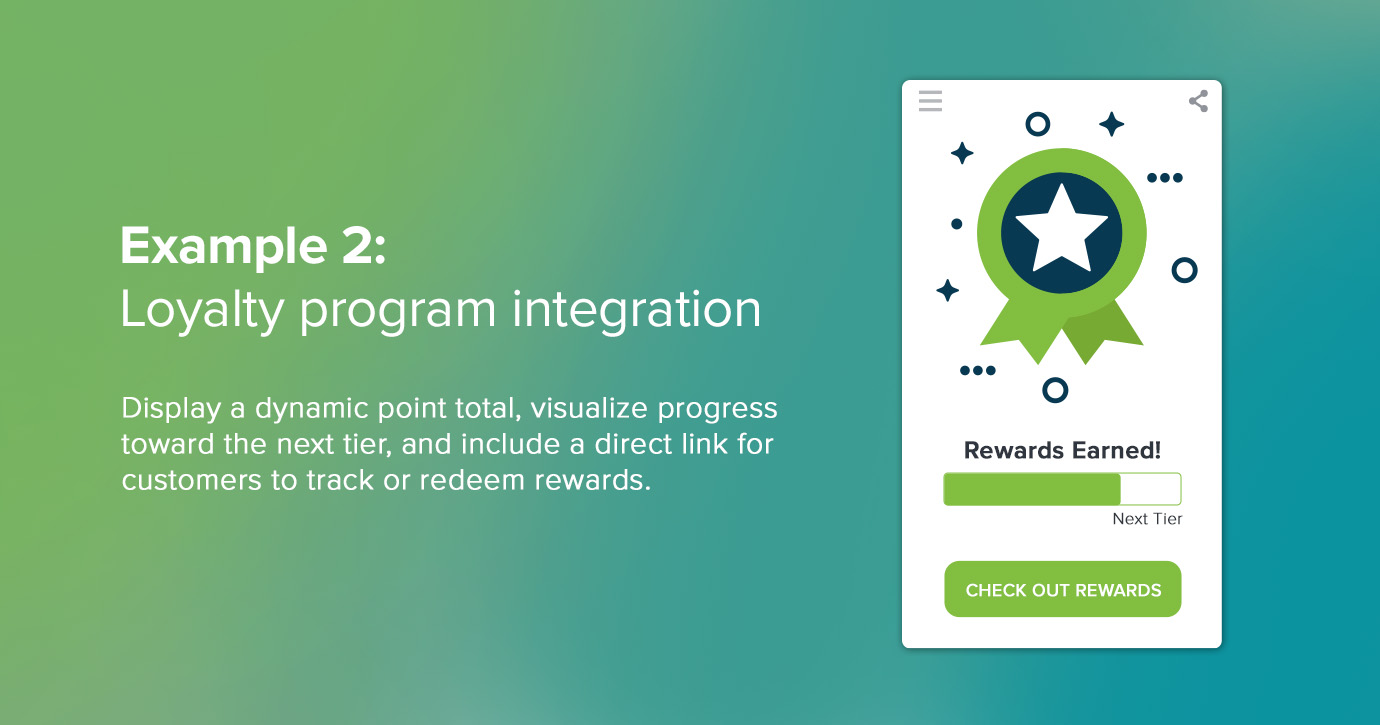
Adding loyalty program details to e-receipts encourages customer participation. A well-placed loyalty section showcases the points or rewards earned from the most recent purchase, connecting the sale to broader incentives for repeat business.
For the most impact, make benefits tangible. Show a dynamic point total, visualize progress toward the next tier, and include a direct link for customers to track or redeem rewards. Clear next steps and progress bars motivate further engagement, while an eye-catching loyalty banner signals the ongoing value of the relationship.
Tons of well-known brands take advantage of this strategy. For example, Sephora’s Beauty Insider Program shows customers how many points they’ve earned on their recent purchases. Taco Bell uses a tier-based system that encourages customers to buy more to unlock exclusive items and earn free rewards over time.
Example 3: Cross-selling and product recommendations
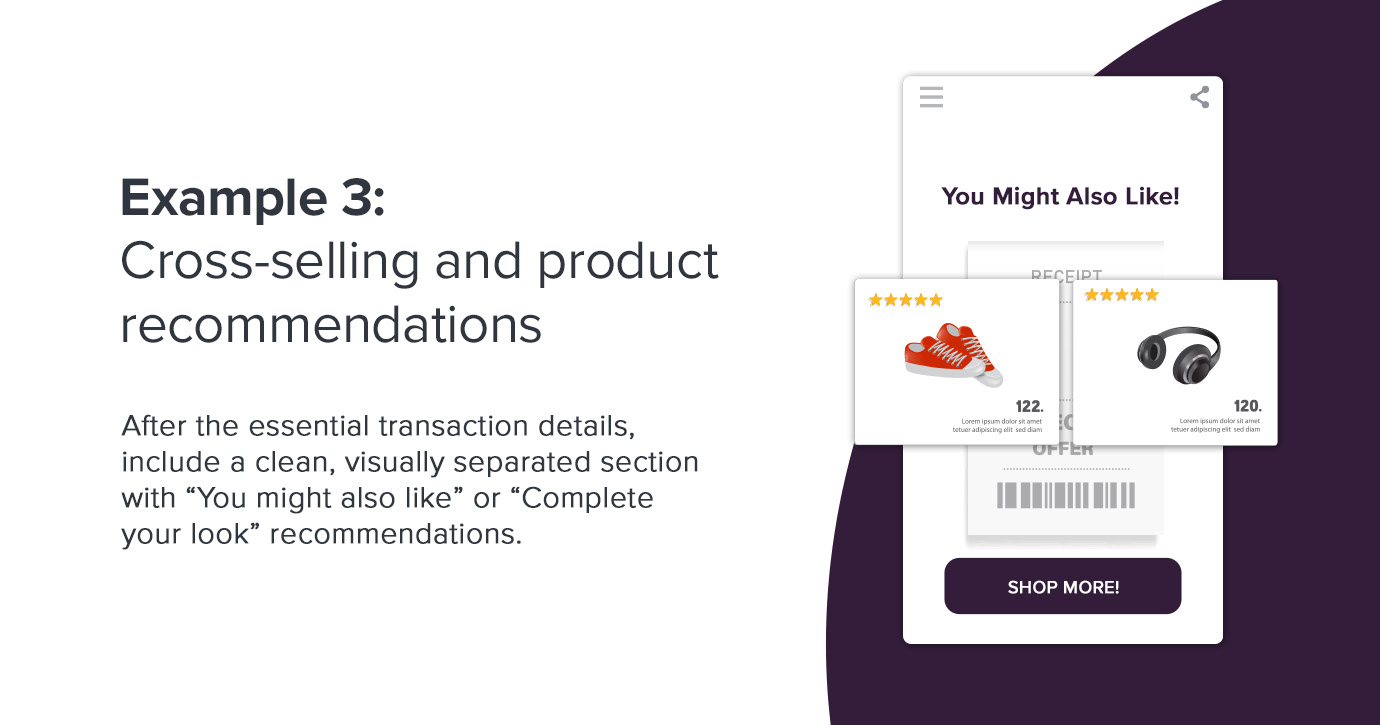
Strategic product suggestions within your e-receipt can drive significant incremental value when they’re relevant and non-intrusive. After the essential transaction details, include a clean, visually separated section with “You might also like” or “Complete your look” recommendations powered by actual purchase data. Think of this strategy like Amazon’s “Frequently Bought Together” section.
Use clear imagery, concise product descriptions, and direct links to make browsing and buying easier. Keep the experience shopper-centric. Your recommendation should feel thoughtfully tailored, not generic or out of place. Mobile-friendly product cards make it easy for customers to engage with these options on the go. By harnessing the customer’s buying mindset post-purchase, you increase order value and demonstrate that you understand their preferences.
Example 4: Customer service and support emphasis
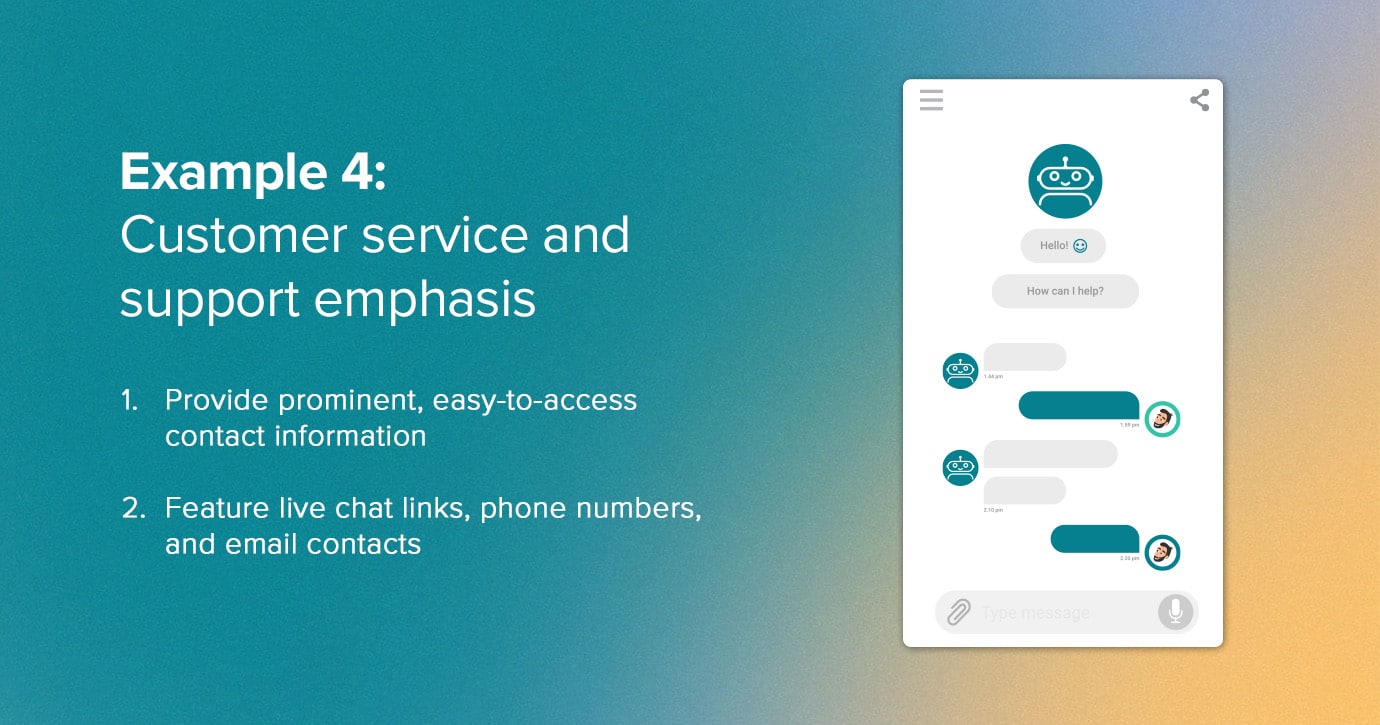
An outstanding e-receipt puts help at the customer’s fingertips, anticipating questions and smoothing out potential friction. Provide easy-to-access contact information and clear explanations of the returns or exchange process. You should feature live chat links, phone numbers, and email contacts without requiring users to scroll. Use a dedicated support section and proactive “Something not right?” language to diffuse frustration and encourage self-service resolution.
You can also include FAQs or quick links tailored to the purchase so customers can find answers independently. This emphasis on customer support reduces ticket volume and churn while building immediate trust and demonstrating your commitment to satisfaction at every stage.
Example 5: Sustainability and social responsibility
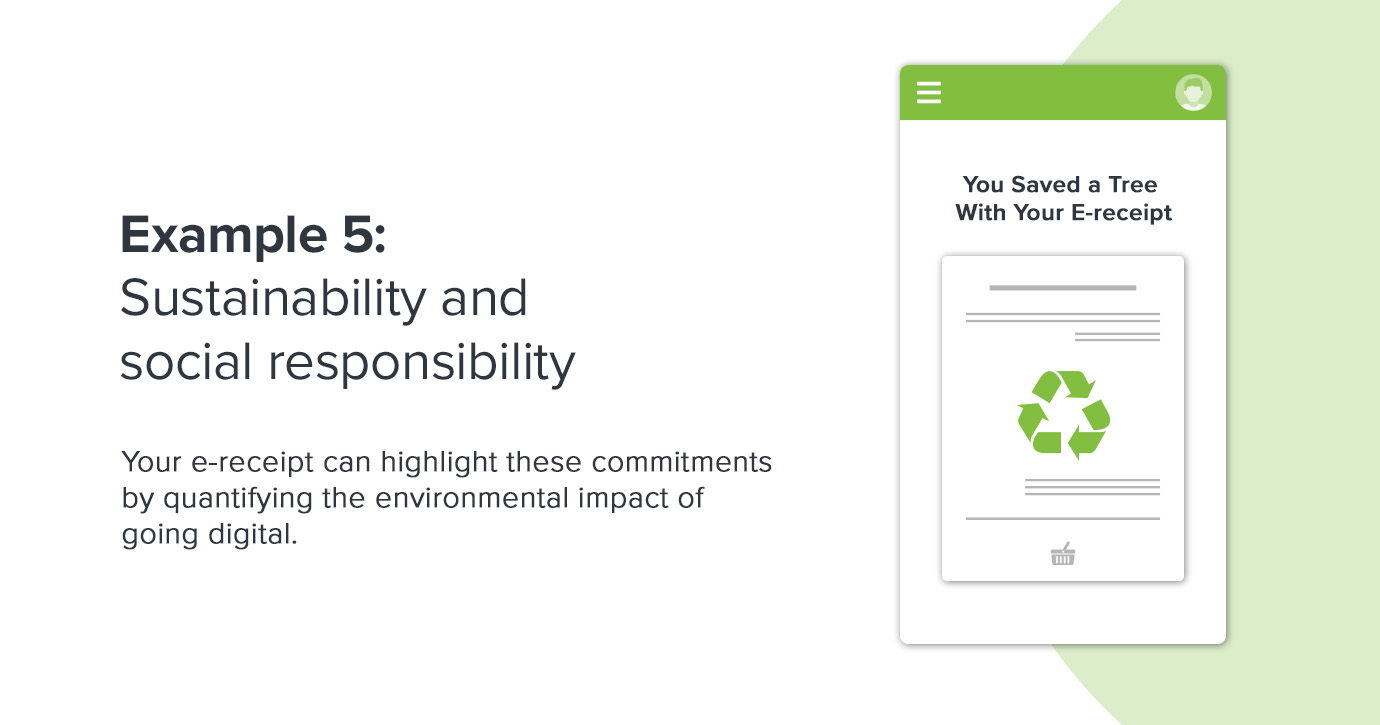
Today’s customers notice brands that prioritize sustainability. Your e-receipt can highlight these commitments by quantifying the environmental impact of going digital. Think along the lines of statistics on trees saved or carbon emissions reduced by using paperless receipts.
Concise, visible messaging in the header or footer demonstrates alignment with modern values. For added credibility, link to sustainability certificates, reports, or ongoing green initiatives. This approach builds emotional connections and reinforces responsible consumer behaviors. By embedding sustainability storytelling into the post-purchase journey, you can help your customers feel good about their choices and about your brand.
Example 6: Mobile-first design excellence
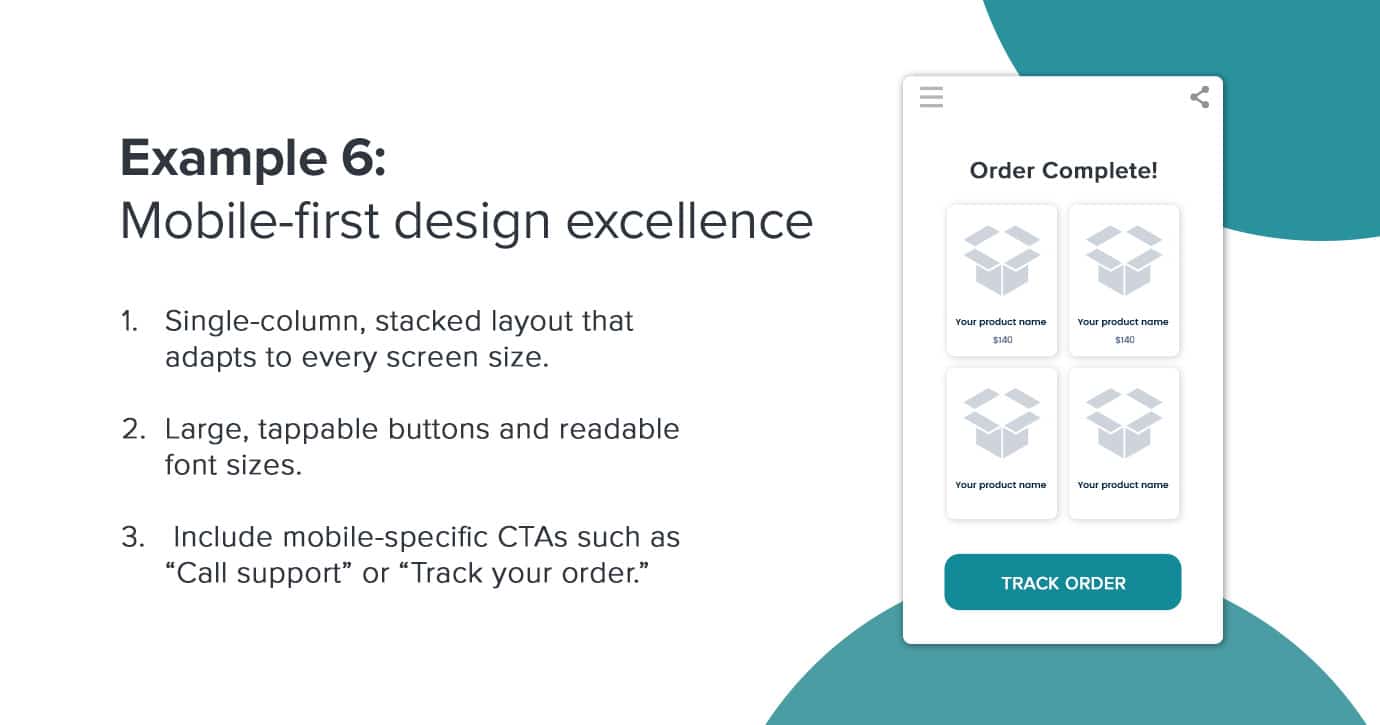
Since the majority of customers open receipts on mobile devices, responsive design is nonnegotiable. Mobile-first design is becoming the foundation of a positive receipt experience that drives engagement and loyalty wherever your customers are.
Use a single-column, stacked layout that adapts to every screen size, with large, tappable buttons and readable font sizes. Navigation must be intuitive, and important information should be immediately visible with minimal scrolling necessary. Include mobile-specific CTAs such as “Call support” or “Track your order.” You can further reduce friction with fast load times and lightweight graphics.
Example 7: Personalization and dynamic content
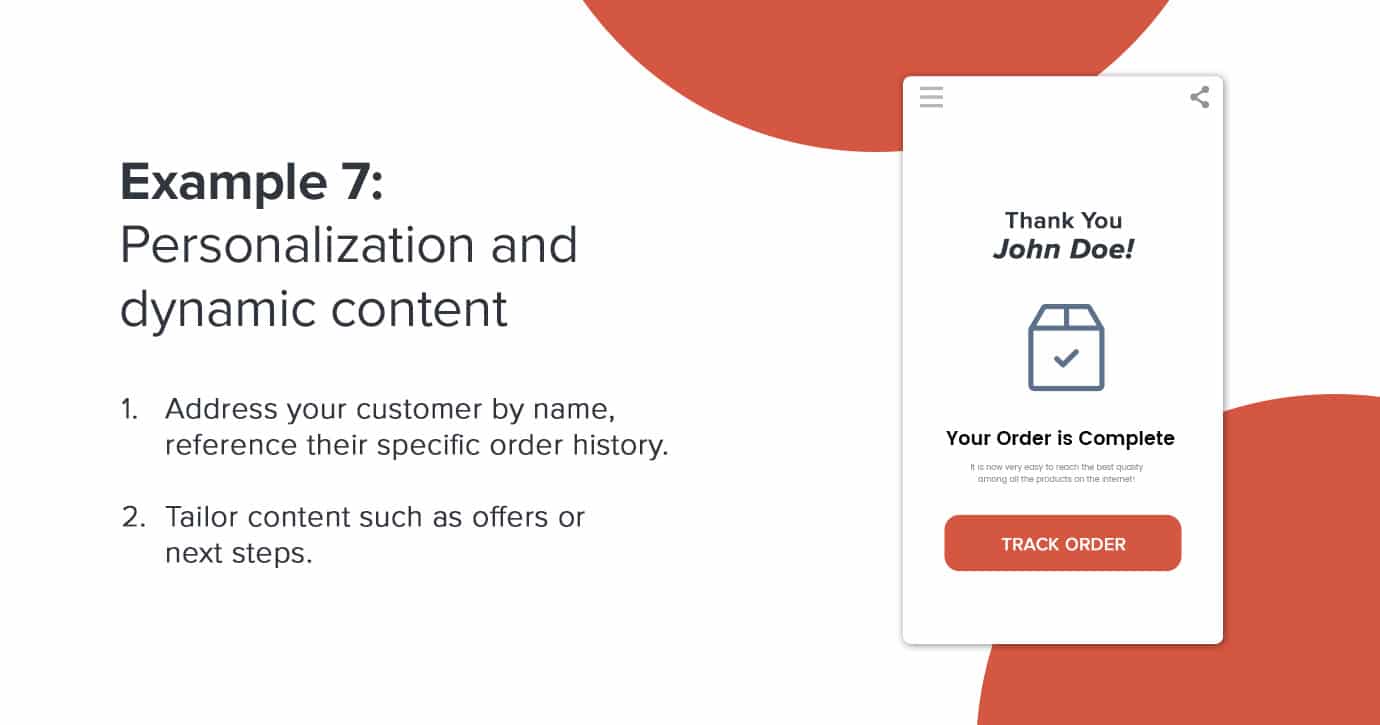
Personalized elements transform generic receipts into memorable, value-driven communications. Address your customer by name, reference their specific order history, and tailor content such as offers or next steps to their unique segment or behavior. Use dynamic layouts with flexible images, greetings, and CTA buttons that change with customer profile or purchasing context.
Include relevant loyalty updates, customized recommendations, and behaviorally triggered content blocks. Making each receipt reflect the customer’s preferences or past activity increases open rates. It also fosters a stronger connection while demonstrating that your brand sees each recipient as an individual.
For a great example of personalization and dynamic content, consider your last Chipotle order. Chipotle’s digital receipt system combines strong visuals and interactive elements. Their post-purchase emails communicate essential information while being on-brand. They use the recipient’s name to confirm orders and offer estimated pickup or arrival times to keep customers in the loop. Recipients can also view the new rewards they earned from their most recent purchase.
Common digital receipt mistakes to avoid
Even brands with the best intentions can undermine the value of their e-receipts through easily overlooked missteps. Proactively addressing these pitfalls is critical for delivering an effortless, trustworthy post-purchase experience.
Design and UX issues to look out for
Great design is invisible. Your recipient should be able to find what they need immediately and without distraction. Poor design frustrates, confuses, or overwhelms recipients and can erode trust. Here’s what to avoid:
-
Overloading with marketing messages: cramming numerous discount banners or unrelated promotions into a receipt distracts from its primary function. This overload can also make the receipt look like a scam, resulting in lower trust and less engagement.
-
Poor mobile responsiveness: many customers view e-receipts on smartphones, so designs must be able to adapt. Using multi-column layouts, oversize images, or tiny buttons forces users to pinch or scroll.
-
Small, hard-to-read text: fonts that are too small, low-contrast, or inconsistent make it difficult for customers to verify purchases or find important information quickly. Text should always follow accessibility best practices.
-
Slow-loading images: large-file images delay receipt load times, especially on mobile data connections. This experience can frustrate customers and potentially hide key transactional details or calls to action.
-
Inconsistent branding: receipts that don’t follow established brand guidelines can trigger suspicion or confusion, increasing the risk that customers may think the email is a phishing attempt.
Content problems to be aware of
Receipts that lack key information or contain confusing language can quickly turn a win into a source of post-purchase friction. Be aware of these common mistakes:
-
Missing essential transaction details: omitting crucial information, such as purchased items, total cost, or order number, leaves recipients unable to reconcile charges or initiate returns.
-
Unclear return or exchange policy: if instructions for returns or exchanges are vague or absent altogether, customers may feel forced to call support, damaging trust and brand perception.
-
Hard-to-find customer service information: making it difficult to locate help by hiding contact options or not including them at all forces users to hunt for answers.
-
Misleading or irrelevant secondary offers: promoting products or services that don’t relate to the transaction can feel spammy or out-of-touch, damaging the sense of personalization and attentiveness.
-
No personalization: using a generic “Dear Customer” greeting instead of personalizing with the recipient’s name or failing to tailor offers and details reduces engagement and perceived value.
Technical issues that can hinder the experience
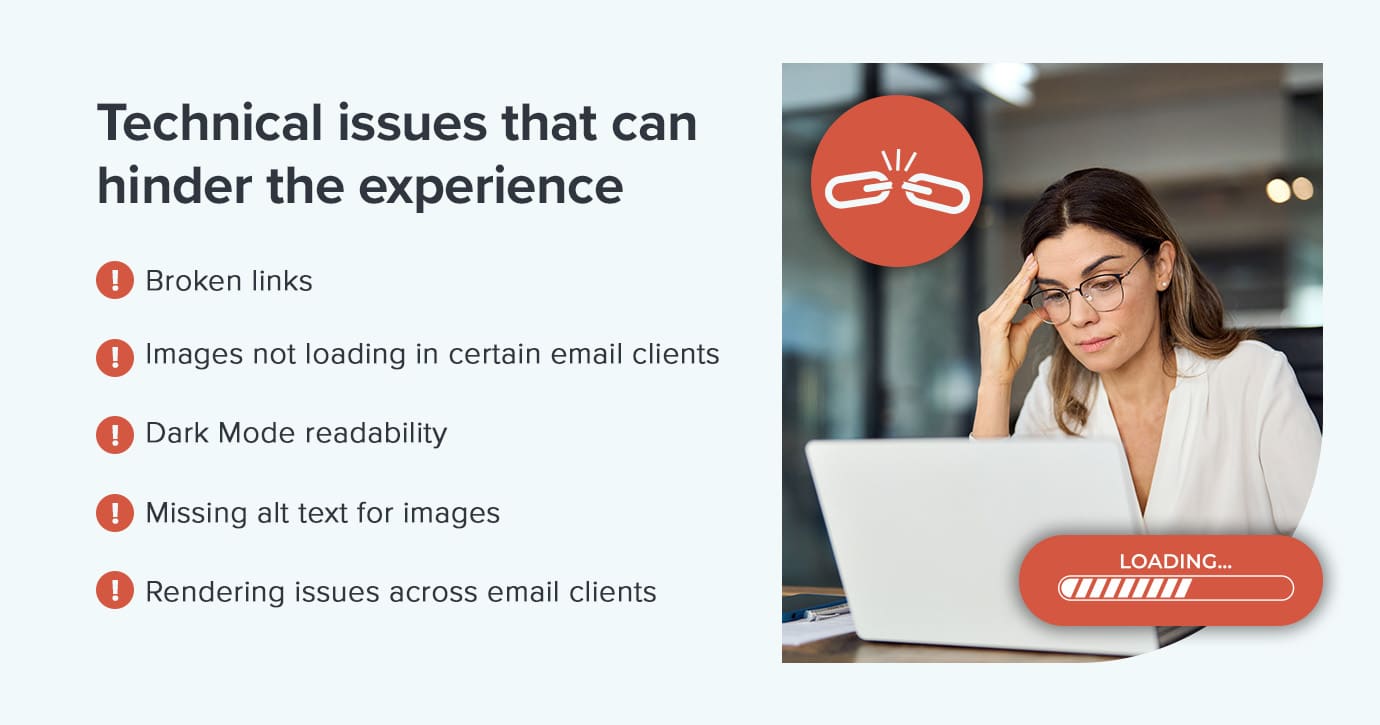
Technological snags can break trust, reduce accessibility, and increase support overhead. Double-check your e-receipts for:
- Broken links: non-functioning buttons or URLs disappoint eager customers hoping to track deliveries or initiate returns, leading to lost confidence and unnecessary support tickets.
- Images not loading in certain email clients: when images are hosted on insecure servers or are too large, they may be blocked or fail to render, removing branding, product visuals, and CTAs. This is particularly problematic if the key information is only available as an image.
- Dark Mode readability: many users read email in Dark Mode. Without proper design, receipts can become unreadable. For example, white text on a white background or logo elements that render invisible can decrease readability.
- Missing alt text for images: if images fail to load, whether for speed, privacy, or accessibility reasons, the information they contain is lost unless you provide alternative text. This also impacts visually impaired users relying on screen readers.
- Rendering issues across email clients: an email that looks beautiful in one inbox but breaks or misaligns in another creates confusion and undermines professionalism.
E-receipt testing checklist to promote success
Ensuring your e-receipts function flawlessly requires testing before every send. Use this checklist for every send:
-
Cross-client compatibility: preview and test receipts in all major email clients, including Gmail, Outlook, and Apple Mail. Also, test on desktop and mobile devices to catch formatting or rendering issues before customers do.
-
Dark Mode and accessibility: check readability and color contrast in Dark Mode, as well as screen reader support and accessible alt text for images, to make sure every customer can access critical information.
-
CTA and link functionality: click every CTA, order tracking link, and support email or phone contact. Broken or misdirected links erode trust and create unnecessary support tickets.
- Images and alt text: verify that all images load quickly, even on slow networks. Make sure alt text describes the images when they don’t load, or for users relying on assistive technology.
- Personalization and dynamic field: use test data to make sure names, order numbers, and personalized messages render correctly, with logical fallbacks if any variable is missing.
- Security and compliance review: work across teams to confirm that security cues, privacy blurbs, and terms are visible and easy to understand.
Improvement strategies for e-receipts
Improving your e-receipts turns routine communication into a source of ongoing value for both your brand and your customer. Here are proven strategies to maximize impact:
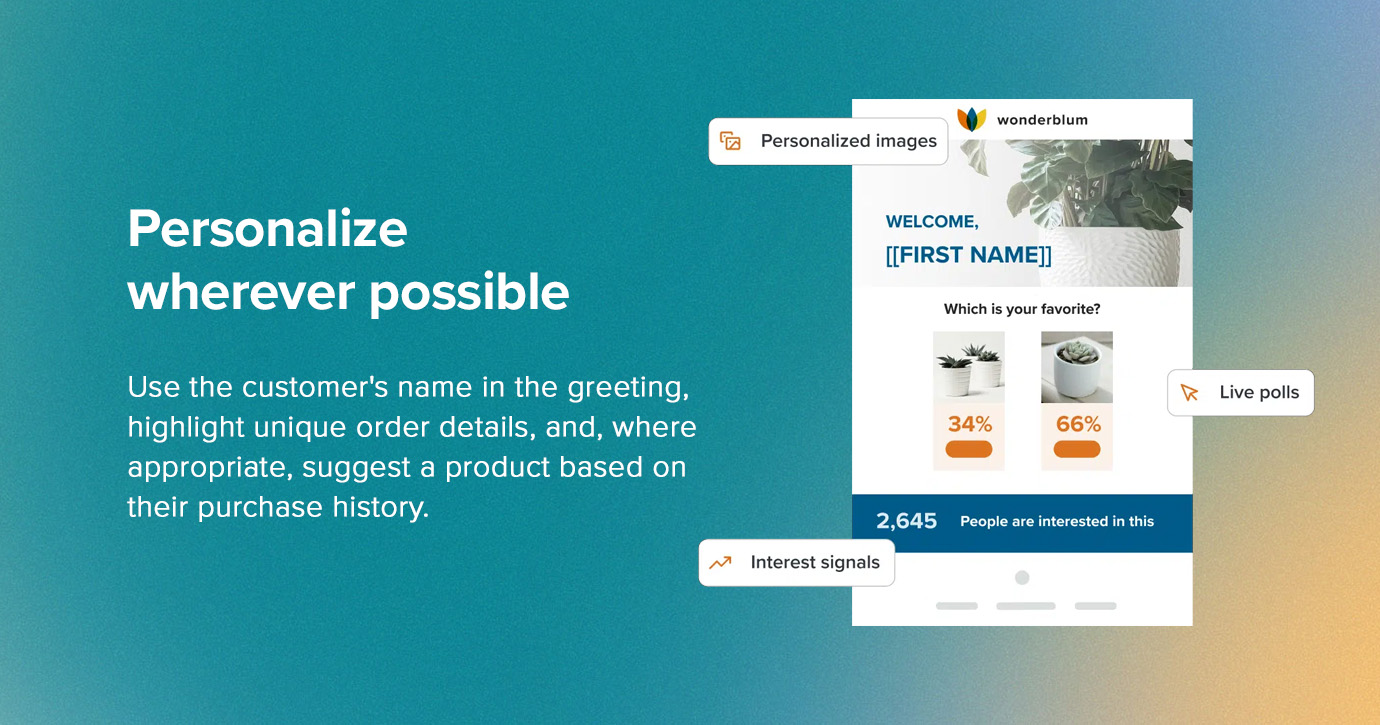
Personalize wherever possible
Personalization makes every receipt feel relevant and human. This doesn’t just mean adding the customer’s name in the greeting. Try highlighting unique order details, integrating loyalty program information, and, where appropriate, suggest a product based on their purchase history. Showing points earned or progress toward a reward tier connects transactions to future benefits and keeps customers engaged.
Harness the power of email personalization
Discover how to better connect with your audience, deliver tailored content, and drive engagement with email personalization.

Use strategic, contextual messaging
Treat receipts as a lightly branded extension of your experience, rather than a dumping ground for generic offers. Include clear, secondary CTAs that fit the transaction context. For example, encourage loyalty enrollment, app downloads, referrals, or feedback through micro-surveys when relevant.
Reinforce trust and compliance
Transparency and reassurance should be ever-present. Prominently display concise return or exchange instructions, security messages, and multiple support channels within the email. This approach builds trust, conveys professionalism, and reduces confusion or avoidable support tickets, which is especially vital in high-value or regulated transactions.
Commit to continuous improvement
Never set and forget! Monitor key metrics like open rates, click-through, and customer replies to find trends or pain points. Run regular A/B tests on CTAs, layout, and content, using those insights to refine your receipts. Collaborate across teams and make stakeholder review easy. Gather direct feedback where possible to make sure your team continues to create receipts that truly serve and delight.
Implementation guide: creating e-receipts with Litmus
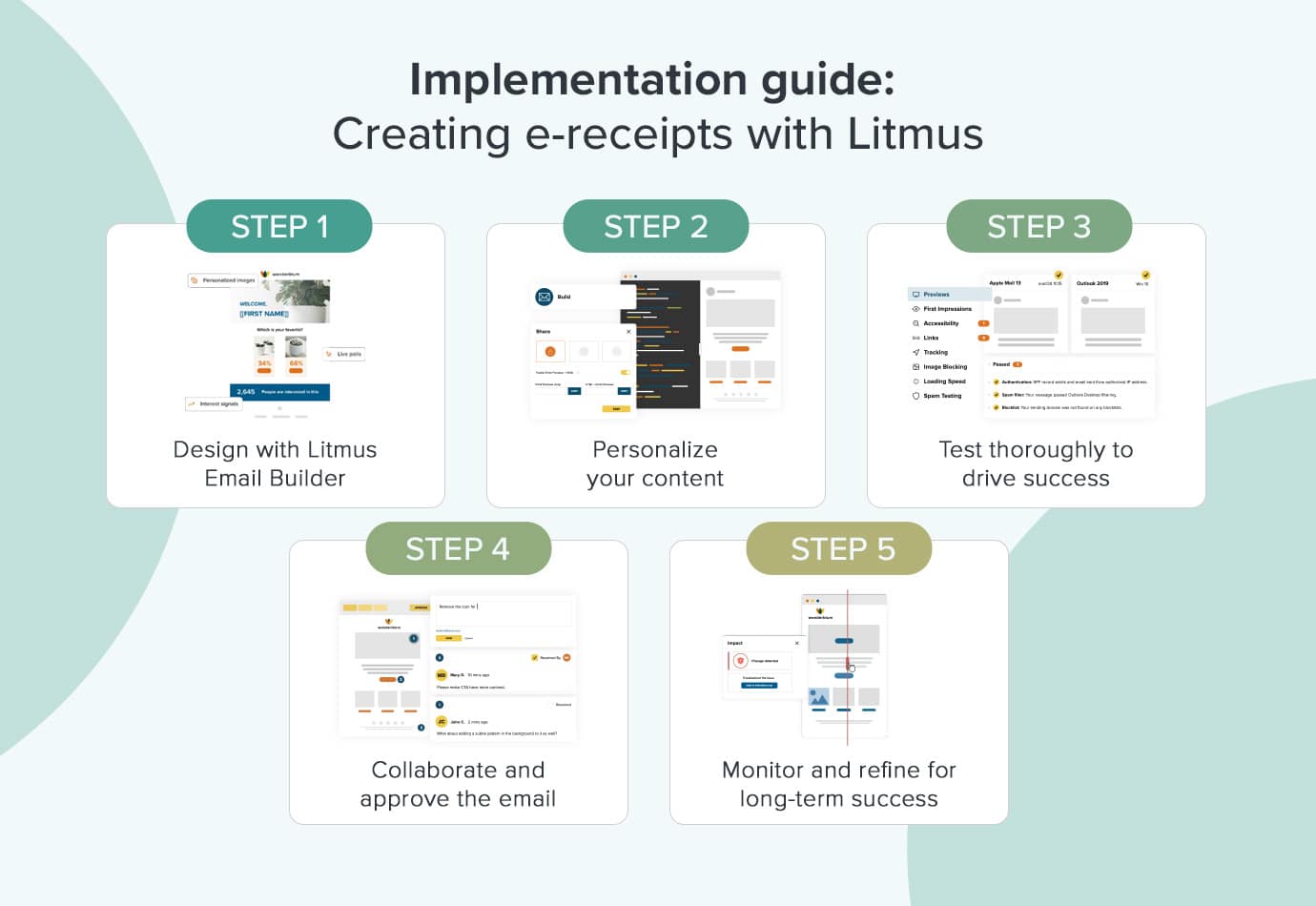
A strong digital receipt process requires blending thoughtful design, personalization, collaboration, and iterative improvement. This quick step-by-step guide on using Litmus will help your team simplify email creation:
Step 1: Design with Litmus Email Builder
Begin by selecting or building your e-receipt templates. Choose single-column layouts, large tappable buttons, and crisp, legible fonts. Insert all critical components, but avoid clutter. Minimize the use of heavy graphics for faster load times. Be sure to validate your design hierarchy so that confirmation details and essential information are always the first thing a recipient sees.
Step 2: Personalize your content
Connect your e-receipt system to your order processing tools. Address each customer by name, provide itemized order details, and highlight individual loyalty points or rewards. Tailor any cross-sell recommendations or secondary messaging based on the specific contents of the transaction, past purchasing behavior, or declared customer preferences.
Step 3: Test thoroughly to drive success
Rigorous testing is essential before any e-receipt goes live. Check how your receipts render on all major email clients and devices, including in Dark Mode. Make sure every CTA, support link, and tracking feature is both visible and fully functional. Use real or test data to verify that every dynamic and personalized field displays correctly. Collaborate across teams as needed to catch mistakes before reaching real customers.
Step 4: Collaborate and approve the email
Once your e-receipt template passes rigorous design and testing reviews, move into formal approval workflows. Request sign-off from key stakeholders, such as compliance, brand, and IT, to confirm all standards are met. Archive the final version and maintain version control, so you can audit changes, roll back when necessary, and make sure your receipts remain legally defensible records. Use scheduled deployments or automations to consistently generate e-receipts without manual intervention.
Step 5: Monitor and refine for long-term success
Your strategy e-receipt should be an ongoing process. Track all relevant metrics, such as open rates, click-throughs on CTAs, and downstream conversions from secondary offers. Monitor complaints, bounces, and customer feedback to find pain points or recurring issues. Collect feedback from your support and customer experience teams about any confusion or questions they’re seeing. Regularly A/B test variations in layout, copy, and recommendation, using hard data to guide refinements.
Protect your email reputation
Catch and fix issues before they reach subscribers with Litmus. Get alerts on broken links and rendering problems.
Using e-receipts as revenue drivers
A perfect e-receipt makes sure every customer walks away with more than just a record of the transaction. An e-receipt should be an extension of your brand promise, delivering confidence, reducing friction, and inviting ongoing connection. With the right blend of clarity, design, personalization, and strategy, your receipts can transform routine moments into powerful brand experiences.
Need help testing your emails? Litmus offers the email tools you need to maximize impact. Our email builder makes it easy to create on-brand emails fast. Create beautiful email designs and strengthen personalization to improve the customer experience while boosting your brand.
Check out our pricing to start powering every stage of your email workflow.
Send with total confidence
Preview emails in 100+ clients, catch errors, and ensure accessibility. Cut QA time in half.